Resetting to Defaults
If you do make changes to the default configuration but then
wish to revert back to the original factory configuration, you can
do so by resetting the device to factory defaults.
If you reset your device to factory defaults, all previous
configuration changes that you have made are overwritten by the
factory default configuration.
Software Reset:
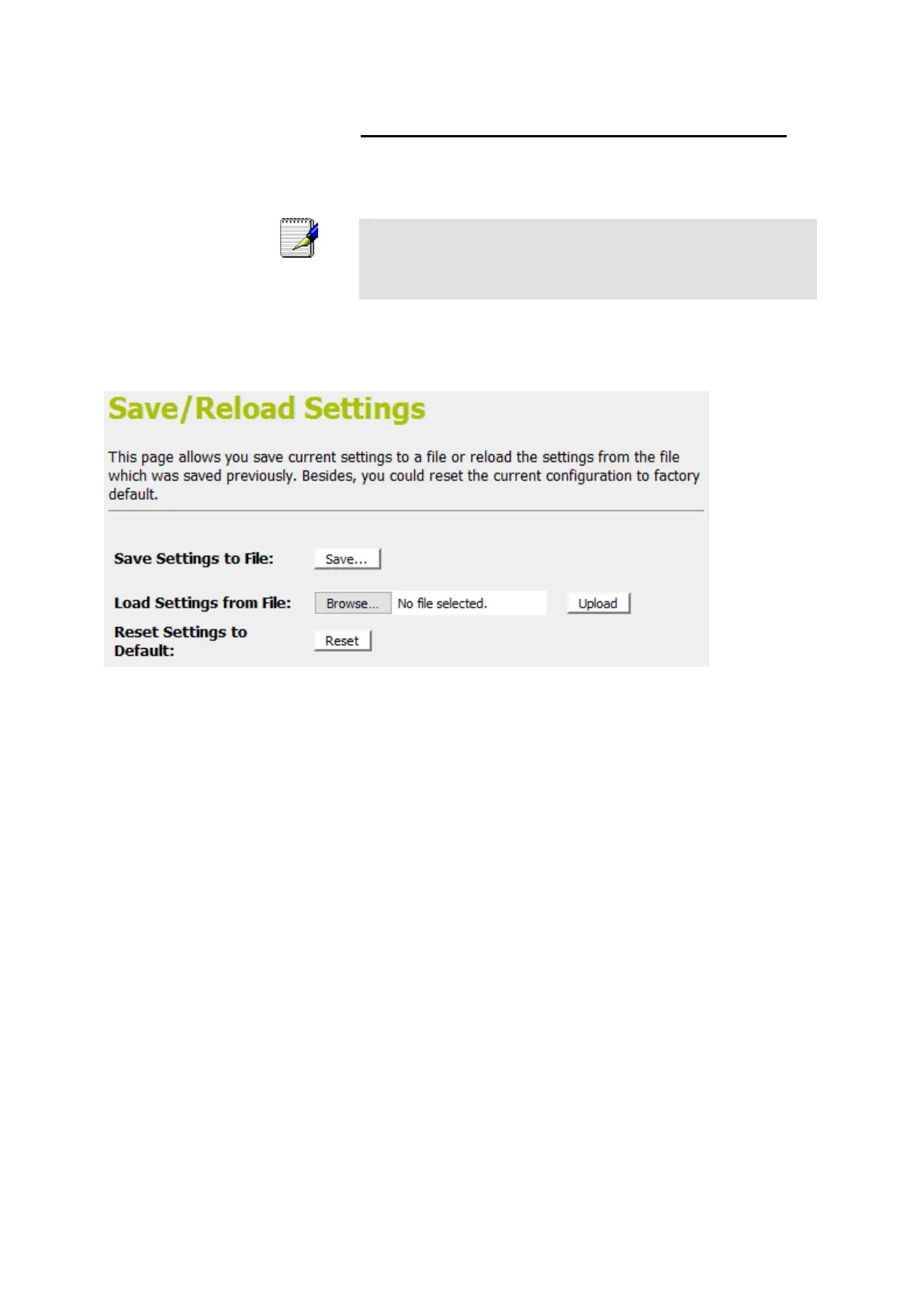
1. From the left-hand Management menu, click on Reset
factory default. The following page is displayed:
Figure 13: Reset to Defaults page















 To Next Page