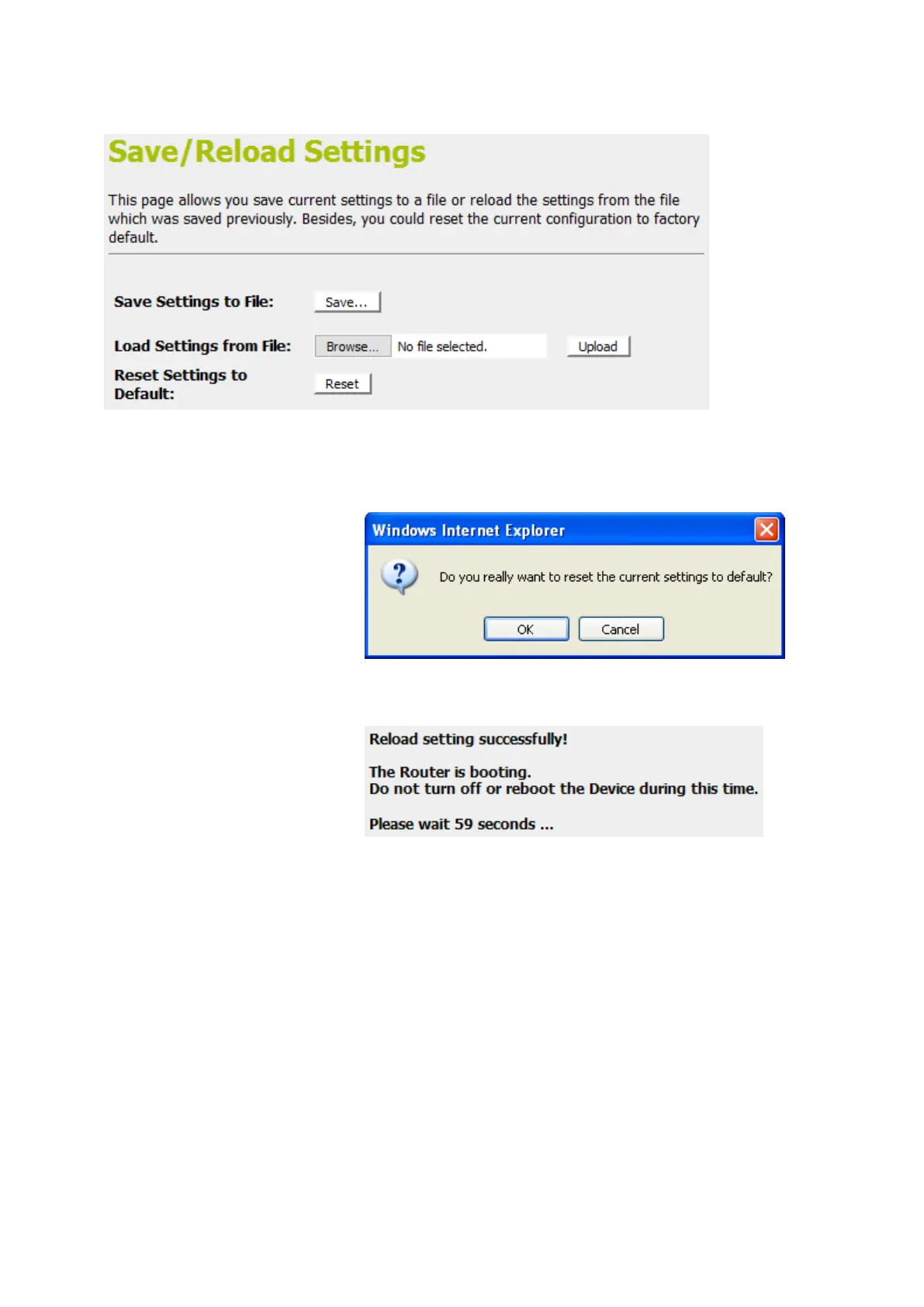
2. Click on Reset Settings to Default.
3. This page reminds you that resetting to factory defaults
cannot be undone – any changes that you have made to
the basic settings will be replaced. If you are happy with this,
click OK. Or click Cancel to cancel it.
4. Reload setting successfully! Please wait for a moment while
rebooting ...















 To Next Page