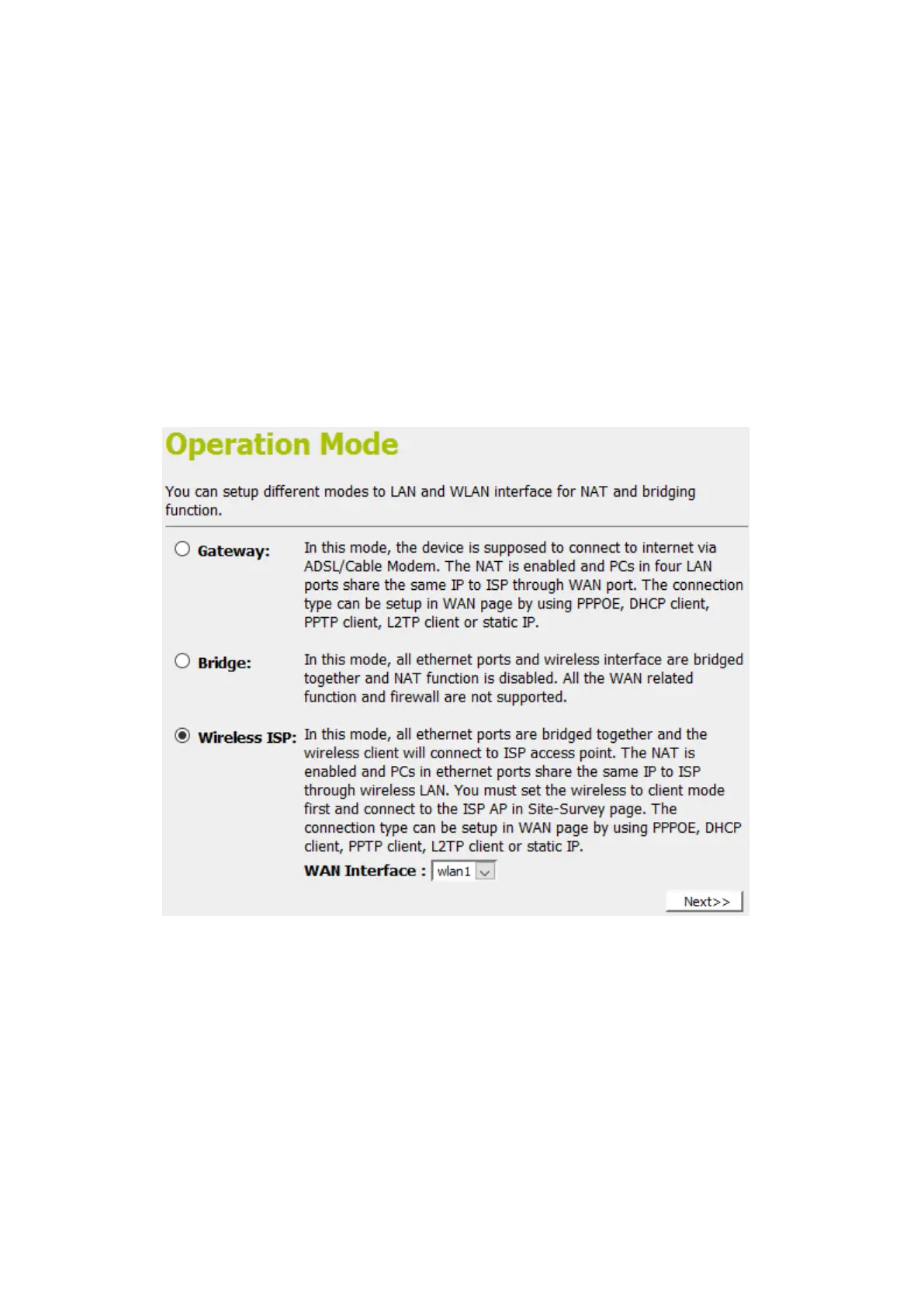
Wireless ISP
In this mode, all ethernet ports are bridged together and the
wireless client will connect to ISP access point. The NAT is
enabled and PCs in ethernet ports share the same IP to ISP
through wireless LAN. You must set the wireless to client mode
first and connect to the ISP AP in Site-Survey page. The
connection type can be setup in WAN page by using PPPOE,
DHCP client or static IP.
To change the Operation Mode:
3. From the left-hand menu, click on Wizard. The following
page is displayed:
4. Click on the ratio of Wireless ISP.
5. Select wlan1 for 5GHz or wlan2 for 2.4GHz from the WAN
Interface drop-down list.
6. Click on Next>>.















 To Next Page