33 Password
You can restrict access to your device’s web pages using
password protection. With password protection enabled, users
must enter a username and password before gaining access to
the web pages.
By default, password protection is enabled on your device, and
the username and password set are as follows:
Username: admin
Password: admin
Setting your username and password
Non-authorized users may try to access your system by guessing
your username and password. We recommend that you change
the default username and password to your own unique settings.
To change the default password:
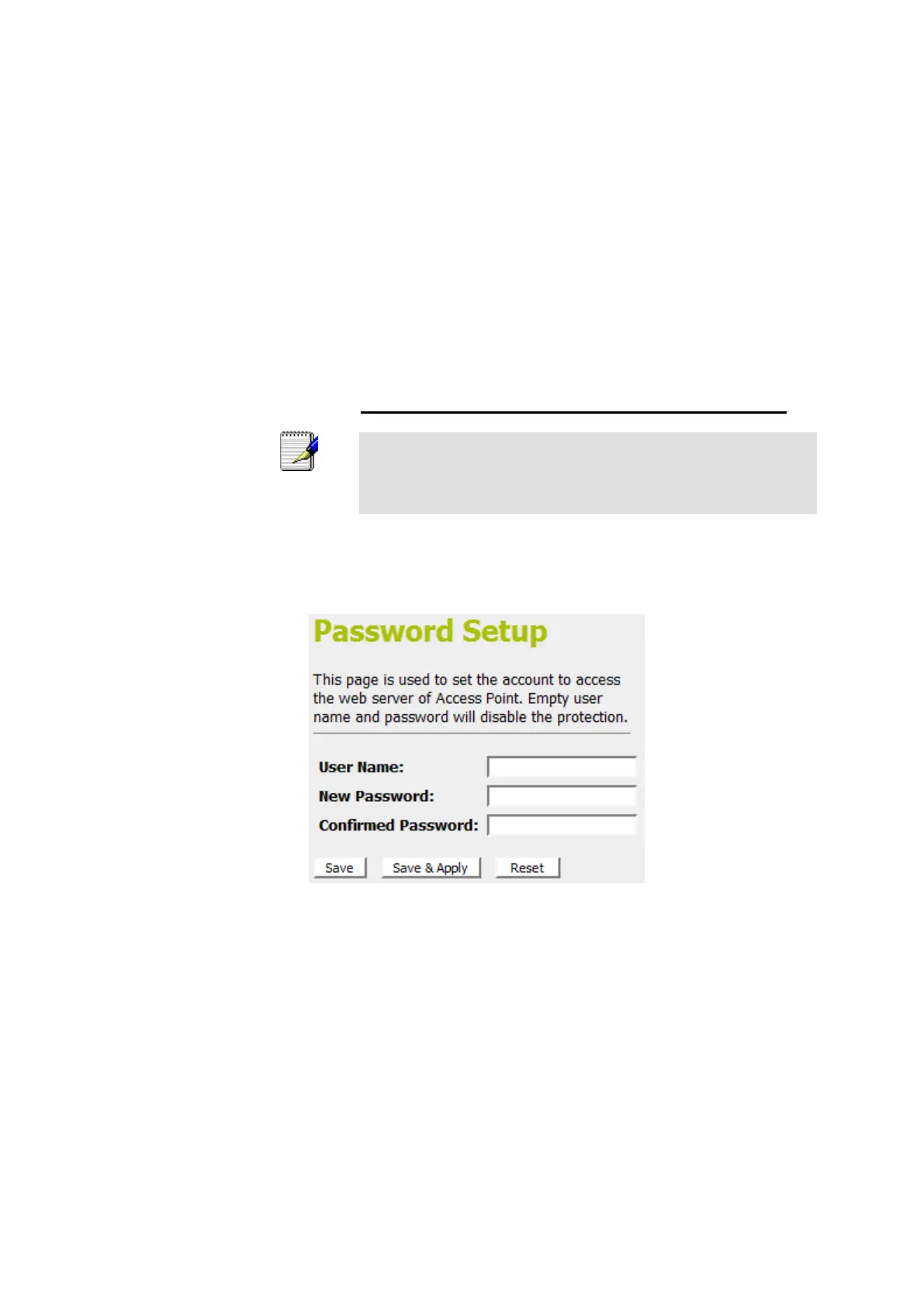
1. From the left-hand Management menu, click on Password.
The following page is displayed:
Figure 14: Currently Defined Administration Password: Setup page















 To Next Page