11 Wireless Network – wlan2(2.4GHz)
This chapter assumes that you have already set up your
Wireless PCs and installed a compatible Wireless card on your
device. See Configuring Wireless PCs.
Basic Settings
The Wireless Network page allows you to configure the
Wireless features of your device. To access the Wireless
Network Basic Settings page:
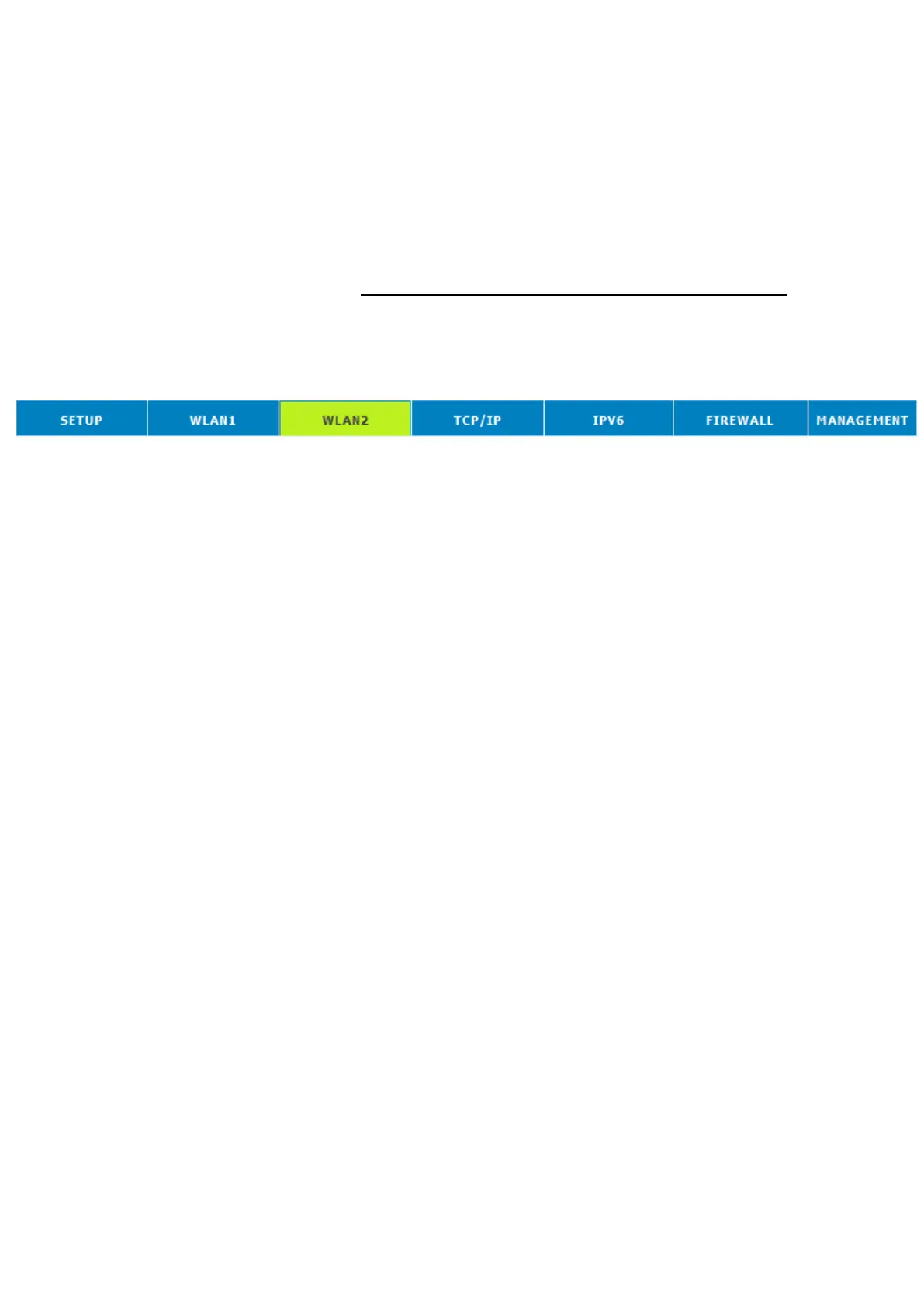
1. From the head menu, click on Wlan2.
2. From the left-hand menu, click on Basic Settings. The
following page is displayed:















 To Next Page