Configuring Static IP connection
If you are a leased line user with a fixed IP address, enter in the
IP address, subnet mask, gateway address, and DNS (domain
name server) address(es) provided to you by your ISP.
If your ISP wants you to connect to the Internet using Static IP,
follow the instructions below.
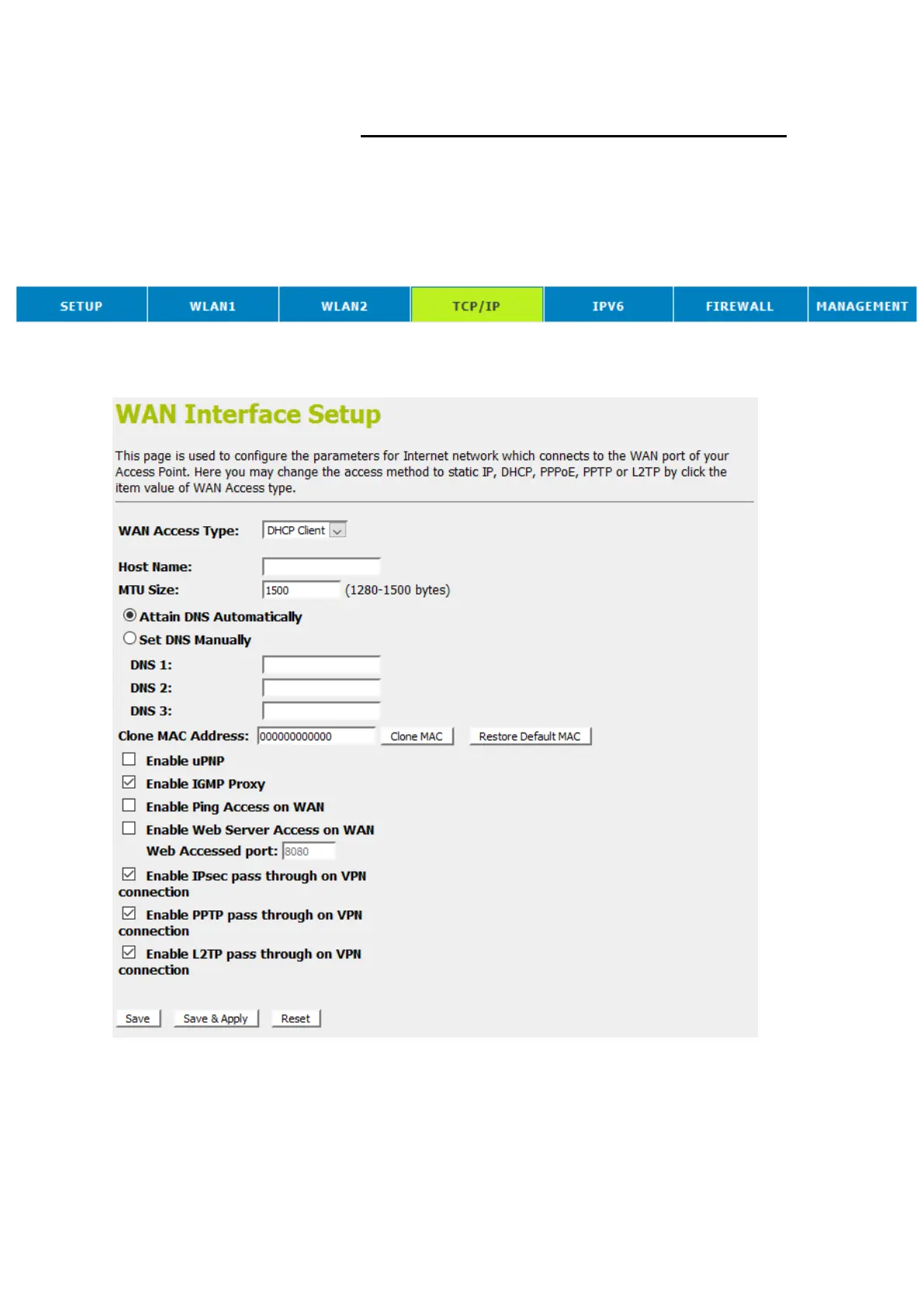
1. From the head menu, click on TCP/IP.
2. From the left-hand menu, click on WAN Setting. The
following page is displayed:















 To Next Page