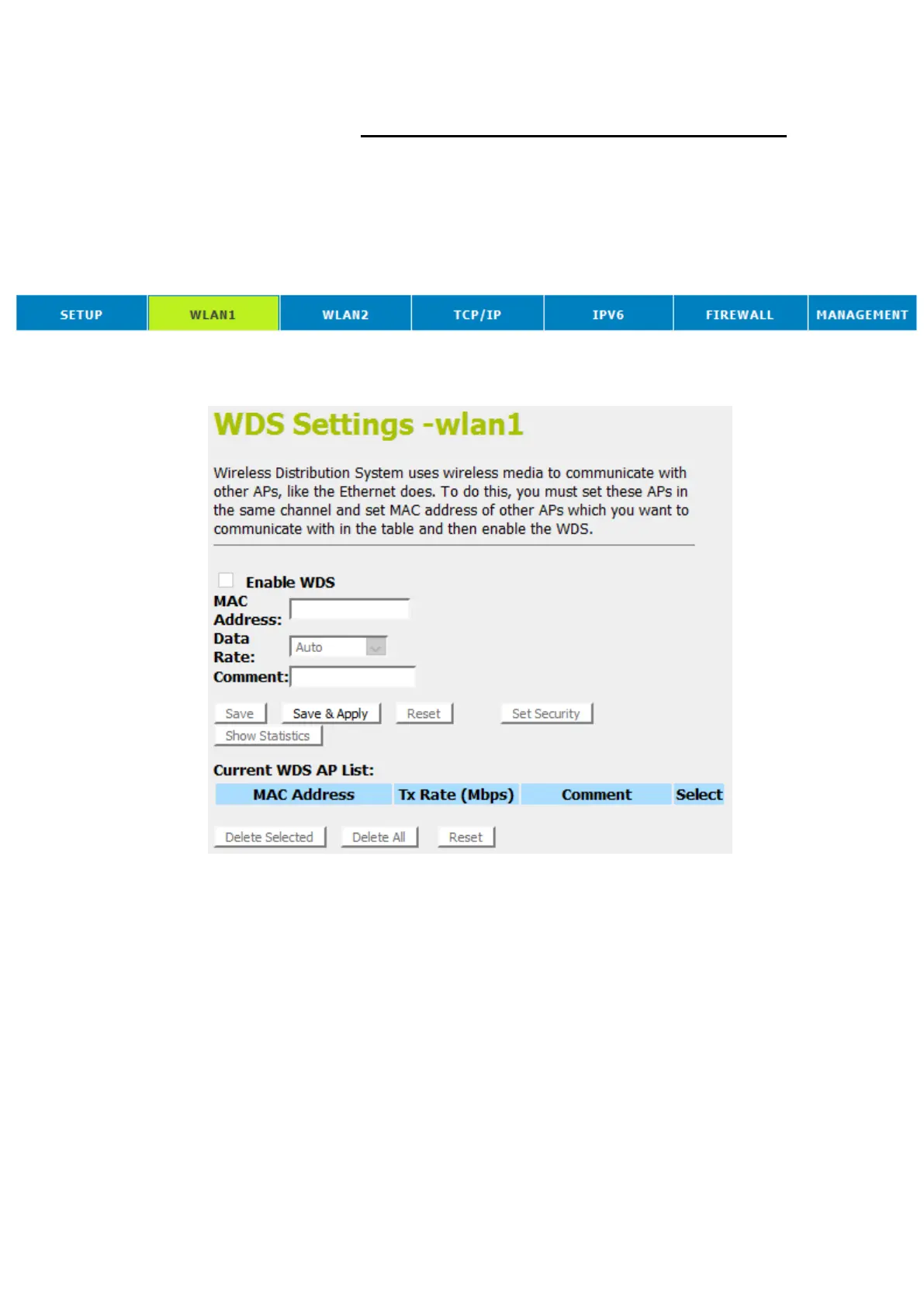
WDS settings
Wireless Distribution System uses wireless media to
communicate with other APs, like the Ethernet does. To do this,
you must set these APs in the same channel and set MAC
address of other APs which you want to communicate with in
the table and then enable the WDS. To access the Wireless
Network WDS settings page:
1. From the head menu, click on Wlan1.
2. From the left-hand menu, click on WDS settings. The
following page is displayed:















 To Next Page