3 Computer configurations under different OS,
to obtain IP address automatically
Before starting the WGR-8031 configuration, please kindly
configure the PC computer as below, to have automatic IP
address / DNS Server.
For Windows 98SE / ME / 2000 / XP
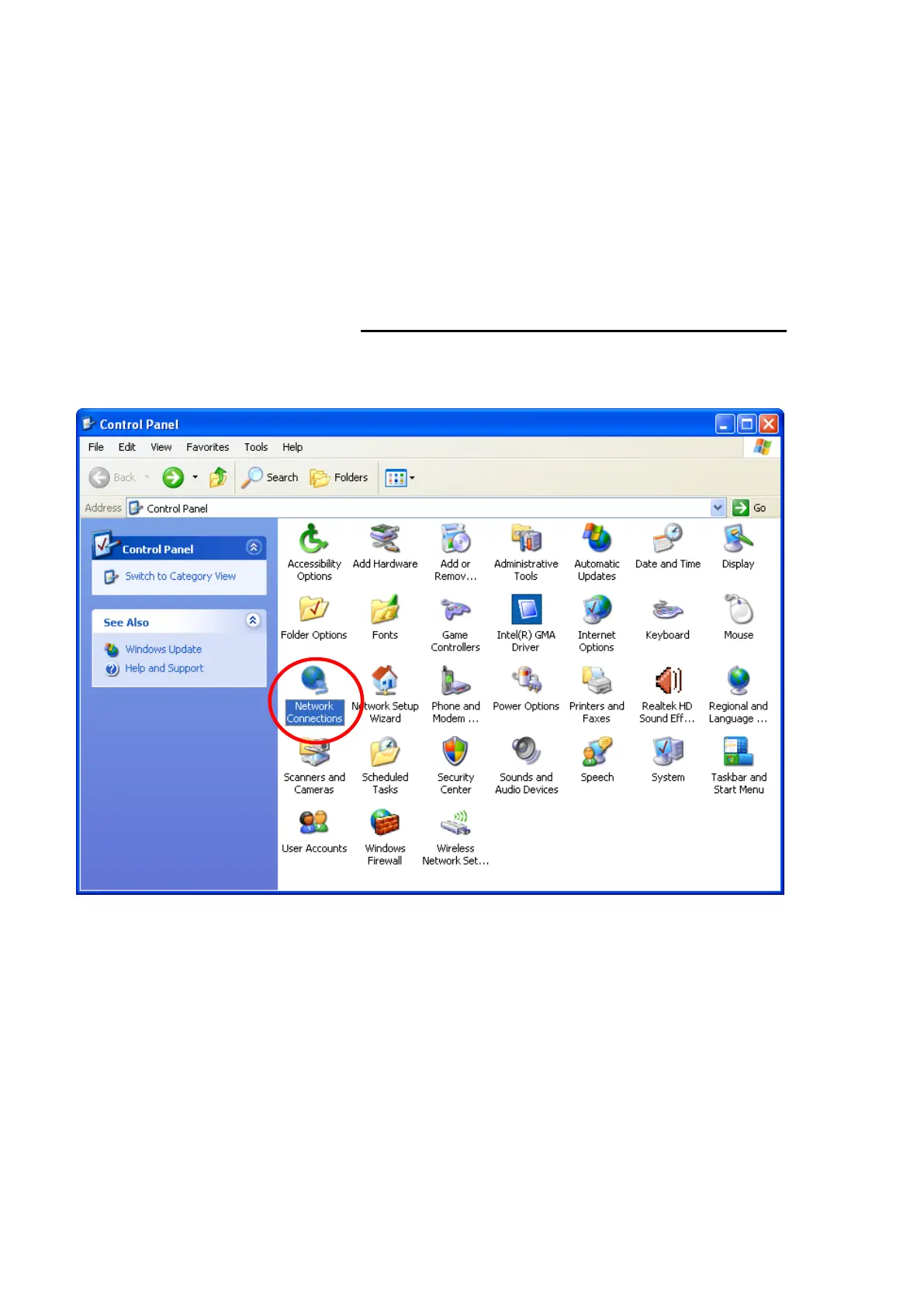
1. Click on "Start" -> "Control Panel" (in Classic View). In
the Control Panel, double click on "Network Connections"
to continue.















 To Next Page