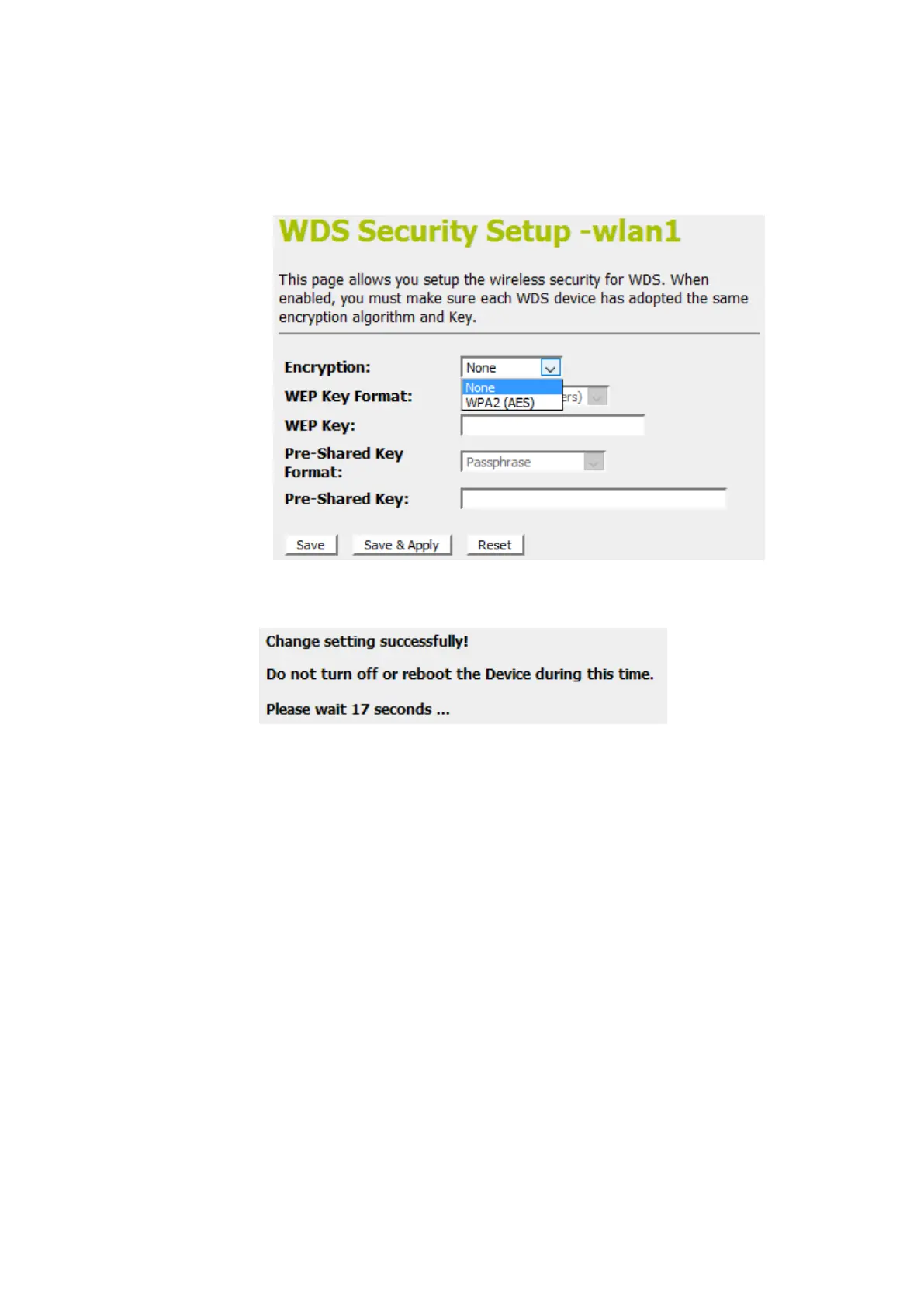
12. This page allows you setup the wireless security for WDS.
When enabled, you must make sure each WDS device has
adopted the same encryption algorithm and Key.
13. Configure each field with the Encryption that you selected.
14. Click Save & Apply button.
15. Change setting successfully! Do not turn off or reboot the
Device during this time. Please wait 20 seconds ...















 To Next Page