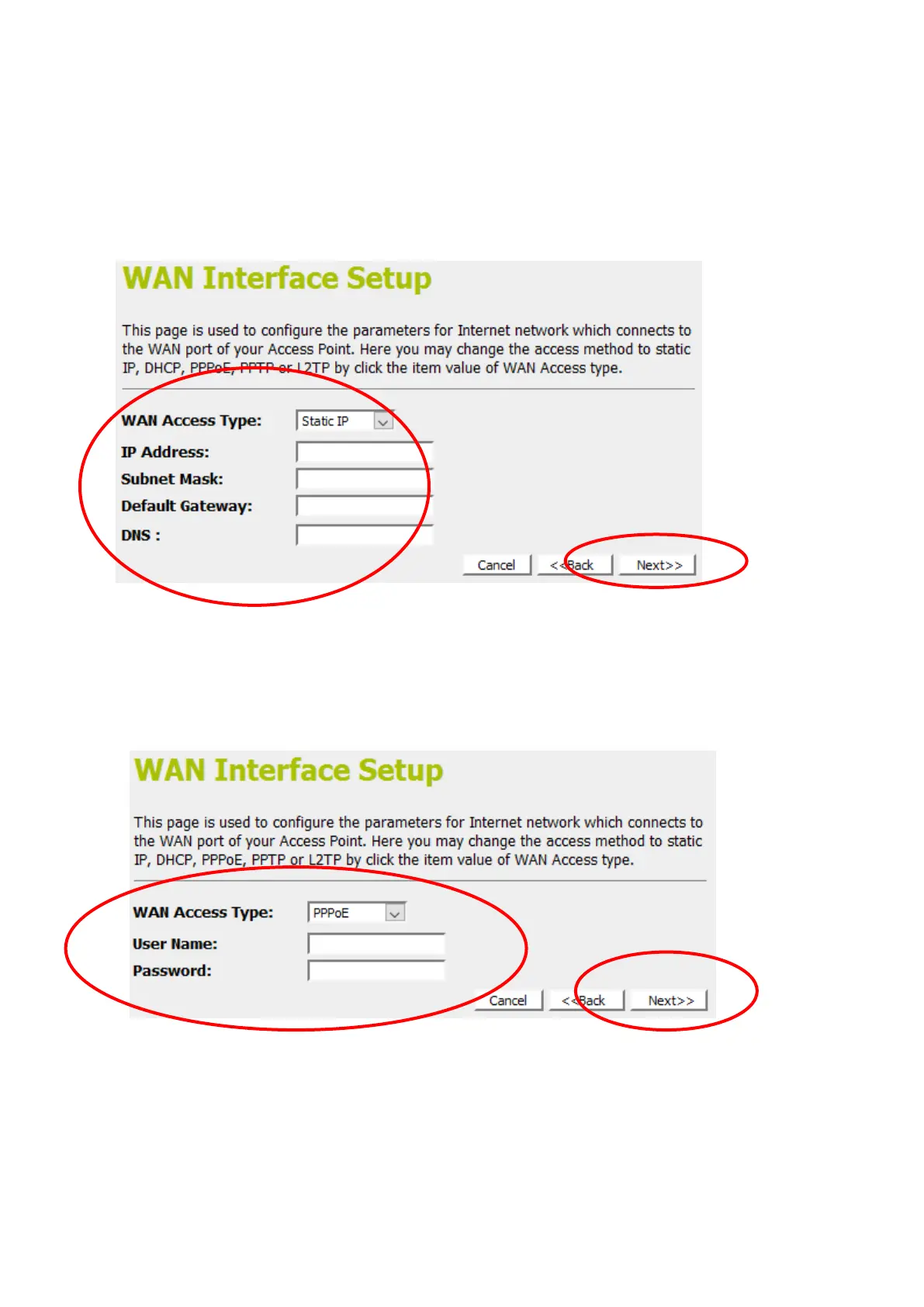
From the WAN Access Type drop-down list, select Static IP
setting.
Enter IP Address, Subnet Mask, Default Gateway and DNS
which was given by Telecom or by your Internet Service
Provider (ISP).
If you are happy with your settings, click on Next
8-3. PPPoE
From the WAN Access Type drop-down list, select PPPoE
setting.
Enter User Name/Password provided by your ISP. Type them in
the relevant boxes.
If you are happy with your settings, click Next
8-4. PPTP















 To Next Page