3.0 The day-to-day weighing process
3.1 How do I turn on the Indicator?
TheLoadriteIndicatorwillturnonautomaticallywhenyoustarttheloader.
NOTE – Dependingontheconfigurationatinstallation,youmaybepromptedtoselectavalueforeach
datalist.
3.2 How do I log in?
The Login functionality is only available if selected at installation.
The
Login
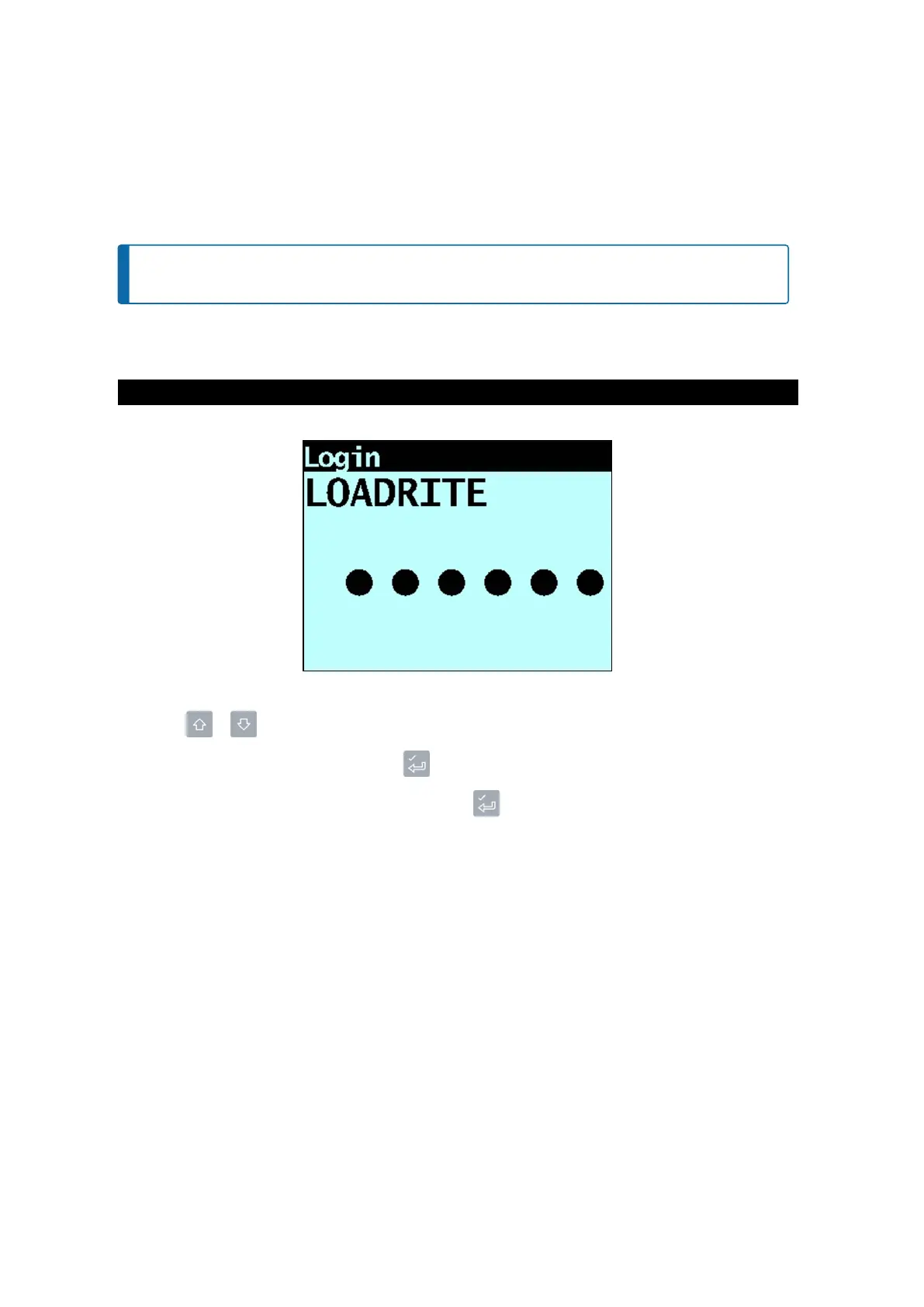
screenwilldisplaywhentheIndicatoristurnedon,orcomesoutofStandbymode.
IfyouseetheLoginscreen,completethefollowingtologintotheIndicator:
1.
Press or toscrollupordownthroughtheloginnames,orusethekeypadtoenteryourloginname.
2.
Whenyourloginnameisdisplayed,press .
3.
UsethekeypadtoenteryourPINnumber,thenpress .
Loadrite L2180 loader scales | 18



 To Next Page