13.0 Setup Menu
13.1 Setup...
DisplaystheAccess Codescreenforenteringanaccesscode.TheInstall Menuandarangeofothermenus
andfeaturescanbeaccessed,dependingontheaccesscodethatisentered.
n
Forfurtherinformation,contactyourLoadritedealer.
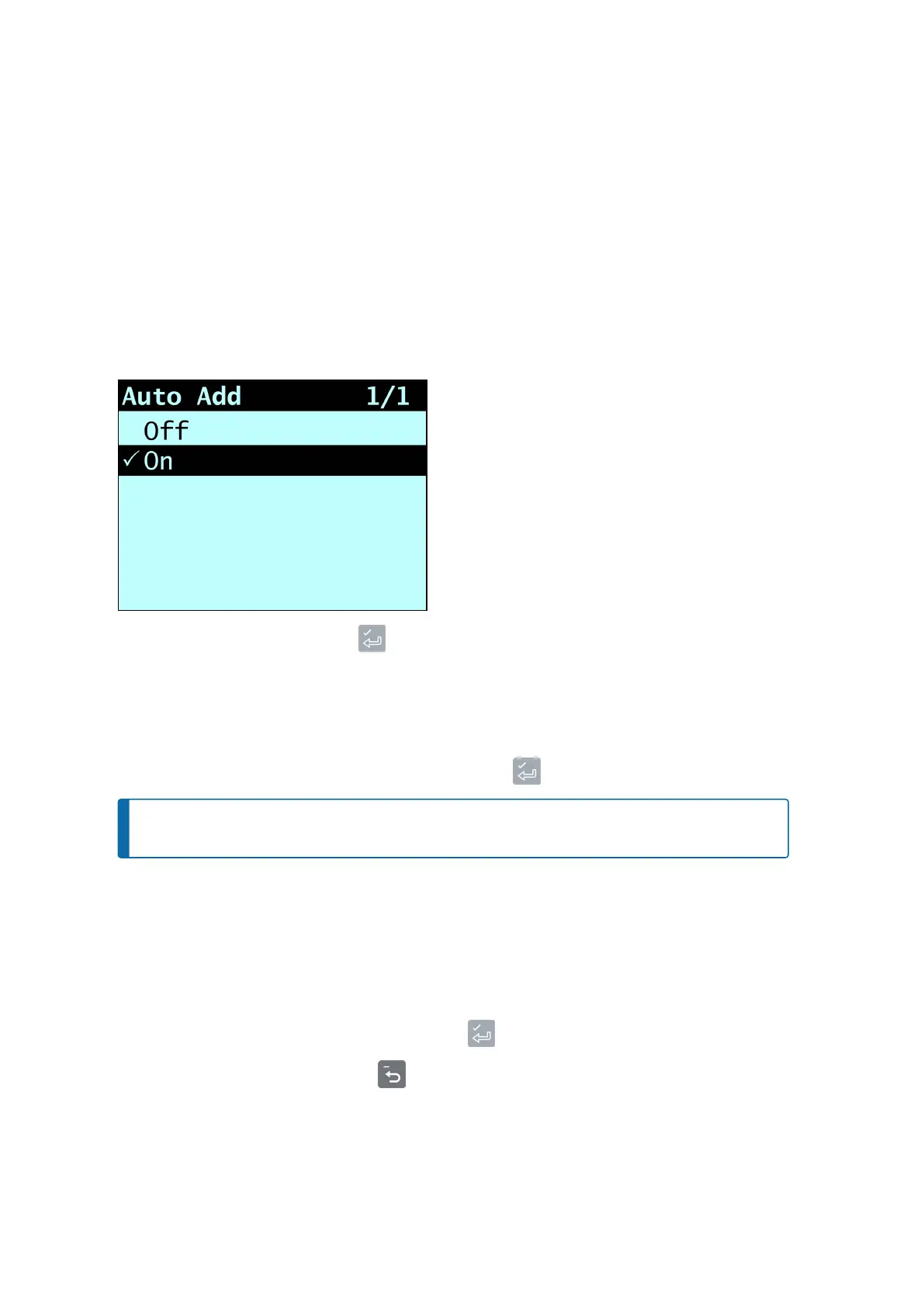
13.2 Auto-Add
Controlswhetherornotthe
Auto-Add
functionalityisenabled.
n
SelecteitherOnorOff,thenpress .
13.3 Tare Entry
Allowsyoutoenteratareweightvalue.Toenteratareweight,completethefollowing:
n
Usethekeypadtoentertherequiredtareweight,thenpress .
NOTE – Ifthetareweightis0.000,lessthanthesetincrementsizeoristoolarge,theTare Off
messagewilldisplaybeforethe
Total
screenisdisplayed.
TheTare Updatedmessagewilldisplaybeforethe
Total
screenisdisplayed.
13.4 Unit Toggle
TheLoadriteIndicatorcanstoreuptotwounitsofweightandyoucanusetheUnit Toggleoptiontoswitch
betweenthem.Thecurrentweightwillbedisplayedinthecurrentweightunitandintheotheravailableweight
unit.
n
Toconfirmthechangetotheotherweightunit,press .
n
Tokeepthecurrentweightunit,press .
Loadrite L2180 loader scales | 67



 To Next Page