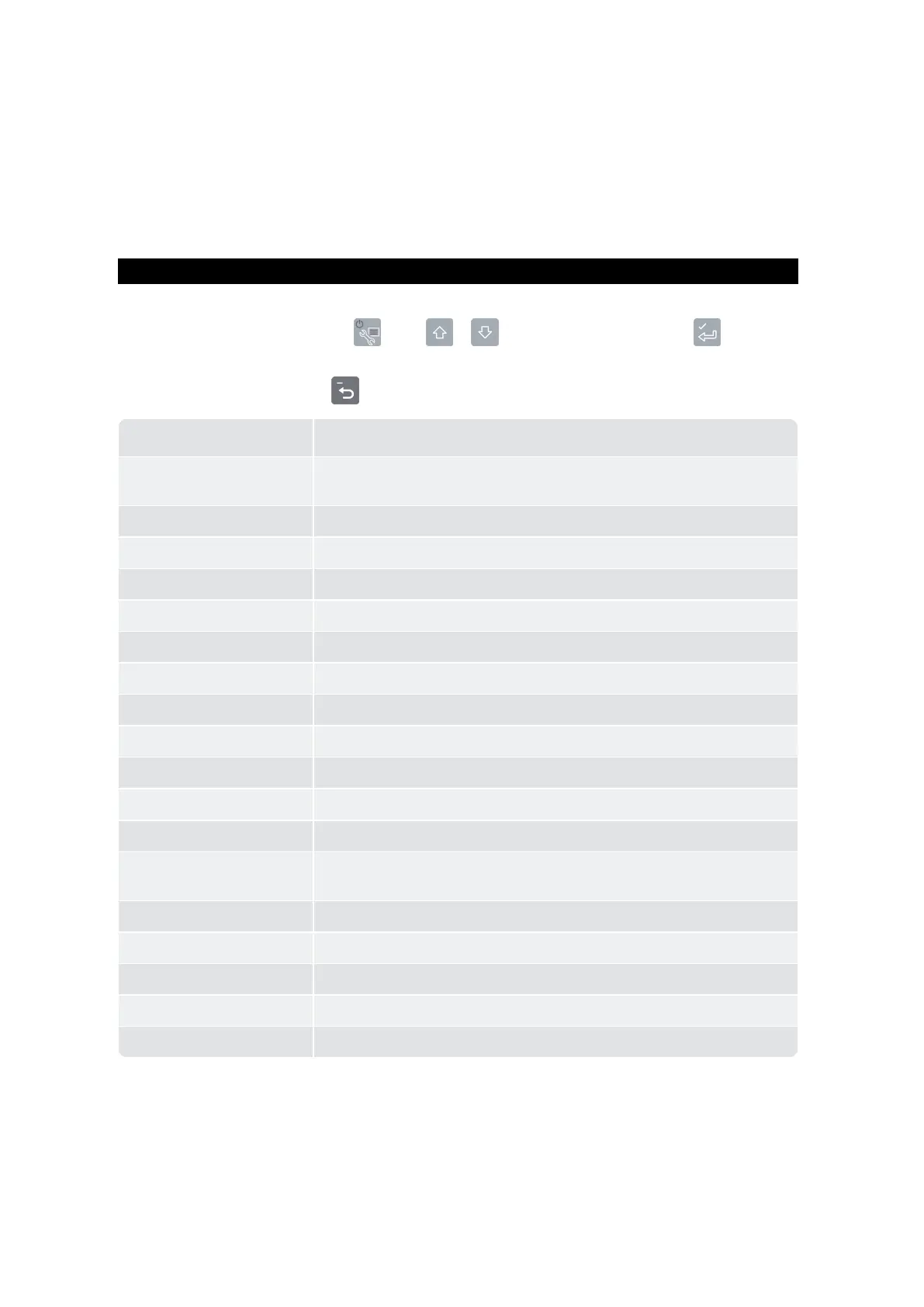
option.
Menu Option Description
Setup…
Displaysthe
InstallMenu
.Forfurtherinformation,contactyourLoadrite
distributor.
Auto-Add
Selectwhetherornot
Auto-Add
isenabled.
Tare Entry Allowsatarevaluetobeentered.
Unit Toggle Selectbetweentwounitsofweight.
Trig Screen Selectwhetherthetriggerpositiongraphicisdisplayed.
Language SelectthelanguagefortheIndicator.
Edit Password ChangetheloginPINnumber.
Scale# Selecttheattachment.
Module
Displaysthe
DataModule
screen.
Data Edit Selectthedatavalueforthedatafield.
Data List Editdatavalues.
Clock
Displaysthe
Clock
screen.
Display
Allowsconfigurationofthe
Total
and
Target
screens,andthescreen
backlightandcontrastlevels.
Long Total
Displaysthe
LongTotal
screen.
ClearAll
Clearsthe
LongTotal
forallproducts.
Selftest Runsasystemself-test.
Uplink
AllowstheIndicatortocommunicatewiththe
LoadriteToolbox
PCsoftware.
Standby
PutstheIndicatorinto
Standby
mode



 To Next Page