6.0 Operation Modes
6.5 Split Weighing mode
SplitWeighing
mode is only available if enabled at installation
SplitWeighing
modesplitsthetotalweightintomultiplesub-totals,providinganeasywaytoloadtrainwagons,
oratruckandtrailer.
SplitWeighing
modeisalsousedtotrackloaddistributionoverasinglevehicleunit,to
avoidoverloadinganaxle.
SplitWeighing
modecanbeusedinconjunctionwith
Total
or
TargetWeighing
modes.
Example
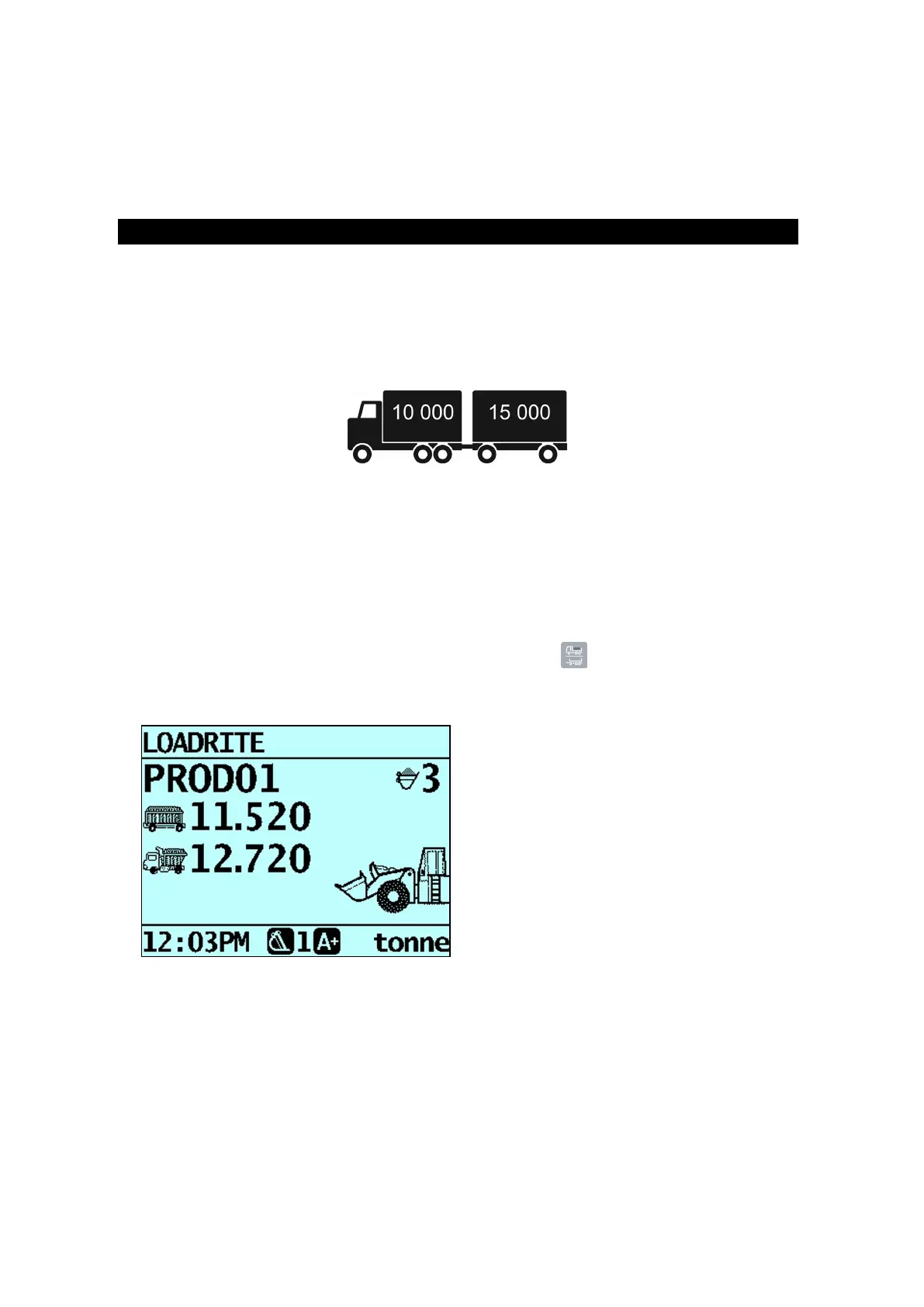
Atruckwithatrailerrequiresloading.Thetruckcancarry10,000tonnesandthetrailer15,000tonnes,makinga
totalof25,000tonnes.Firstloadthetruck,thenuseSplit Weighingmodetoloadthetrailer.
6.5.1 Using Split Weighing mode within Total
mode
1. InTotalmode,loadthetruckwiththerequiredamountorproduct.
2.
Whentherequiredamountofproductforthetruckisreached,press .
Thesubtotalwillbrieflydisplay,thenthe
SplitMode
screenwilldisplay.Thegrandtotaloftheentirevehicle
isshown,alongwiththeshorttotalforthetrailer.
3. Addtherequiredamountofproducttothetrailer.
Aseachbucketloadislifted,thebucketweight,currenttrailerweightandtotaltrailerweightwilldisplay.
Betweeneachlift,the
SplitMode
screenwilldisplayshowingthenewtotalandnumberofbucketslifted.
Loadrite L2180 loader scales | 51



 To Next Page