4.0 The Total screen
4.4 The short and long totals
TheLoadriteWeighingSystemkeepsarunningtotaloftheloadweights.Foreachproduct,twoindependent
totalsarestored-theshorttotalandthelongtotal.
Term Definition
Short Total Therunningtotalamountofproductweighedandloadedontoatruckor
carriage.TheShortTotalamountisdisplayedonthe
Total
screenand
willcontinuetoaccumulateuntilitisclearedbypressing .
Long Total Thetotalamountofproductloadedoveralongperiod,suchasawork
shiftorday.
4.4.1 Clear the short total
Theshorttotalkeepsaccumulatinguntilitiscleared.Cleartheshorttotalafteraloadhasbeencompleted,for
example,aftereachtruckorcarriageload.
n
Press .
Theshorttotalwilldisplaybriefly,followedbytheTotal Clearedmessage,thenthe
Total
screen.
NOTE – IftheLoadriteWeighingSystemhasaprinterconnected,thendependingonyourinstallation
settings,(i)thetotalsmaybeprintedbeforebeingcleared,or(ii)youmaybepromptedtoprintthe
totalsaftertheTotal Clearedmessageisdisplayed.
4.4.2 View and clear the long total
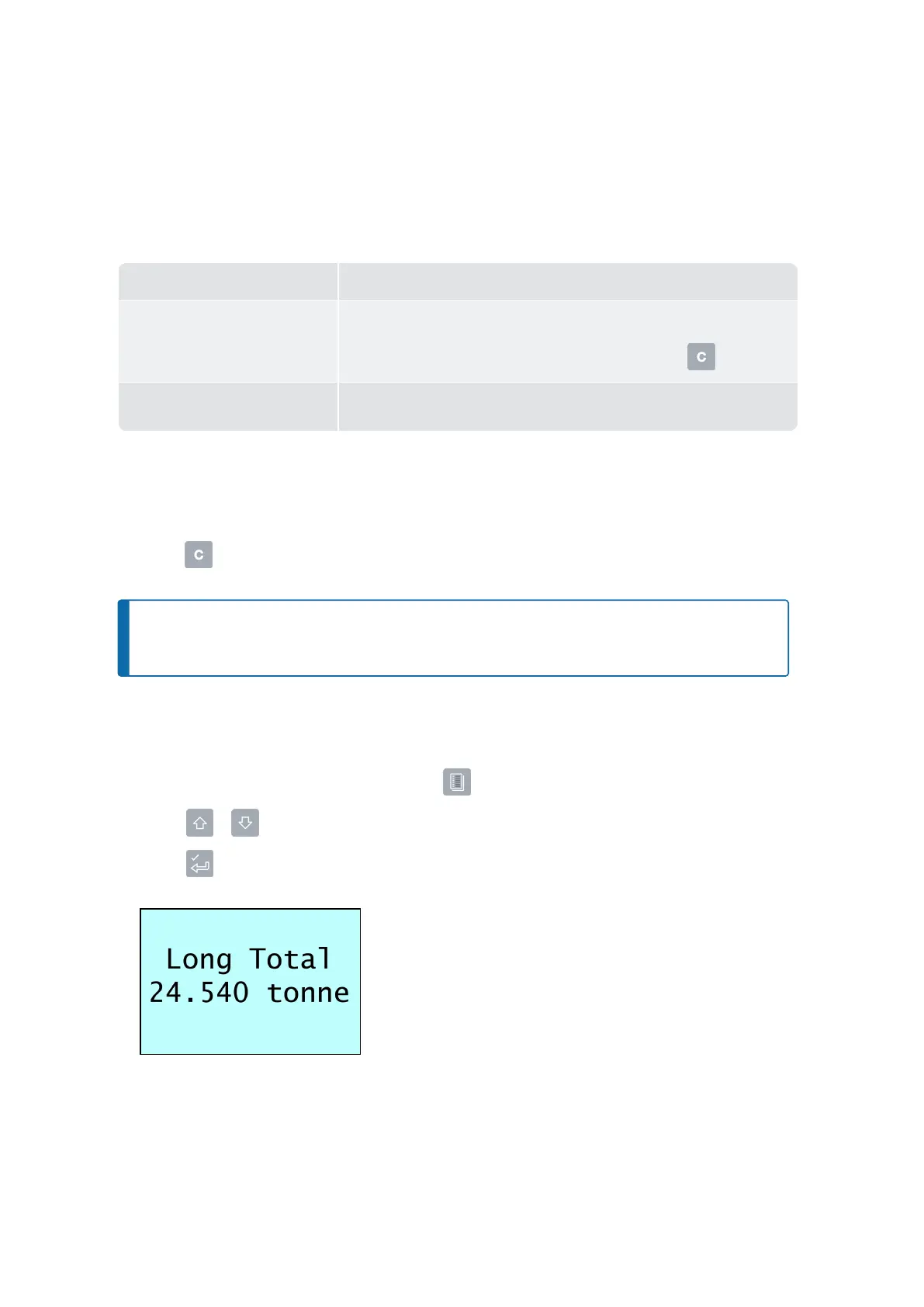
Youcanviewthelongtotalforthecurrentproductatanytime:
1.
Ensurethe
Total
screenisdisplayed,thenpress .
2.
Press or toscrollupordownuntilLong Totalisselected.
3.
Press .
Thelongtotalwilldisplay,followedbythenumberofbucketsadded.
Afterafewseconds,theIndicatorwilldisplaythe
Total
screen.
Loadrite L2180 loader scales | 31



 To Next Page