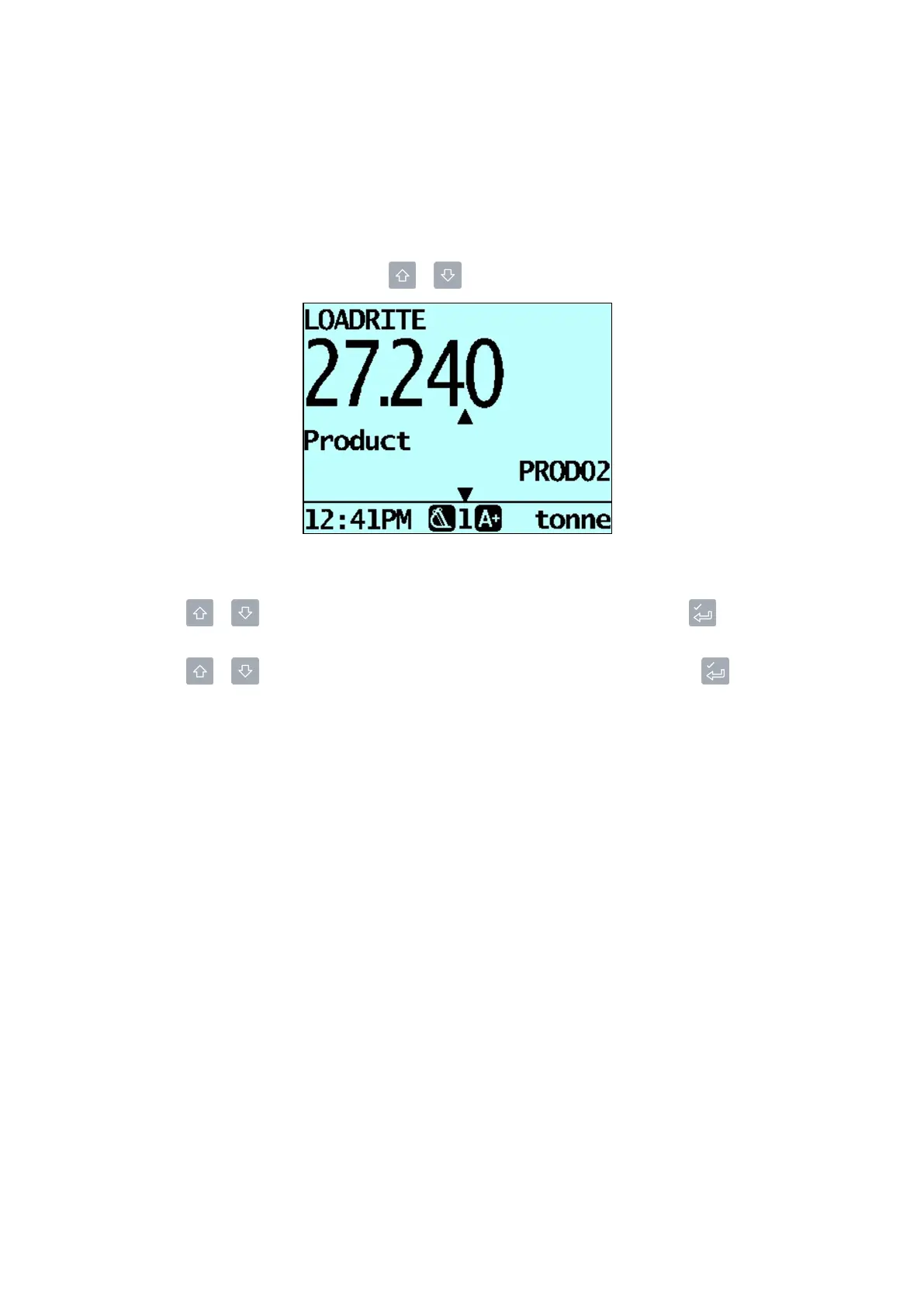
4.0 The Total screen
4.3 Scroll layout
The
Scroll
layoutofthe
Total
screendisplaystheshorttotalinalargeeasy-to-readfontsizeandoneoftheeight
DataFields.
n
ToscrollthroughtheDataFields,press or .
How do I change the product or one of the Data Field values?
1.
Press or toselecttheproductorDataFieldthatyouwanttochange,thenpress .
The
Product
screenortheapplicable
DataField
screenwilldisplay.
2.
Press or toselecttheproductorDataFieldvaluethatyouwanttouse,thenpress .
The
Total
screenwilldisplaywiththenewproductorDataFieldvaluedisplayed.
Loadrite L2180 loader scales | 30



 To Next Page