15.0 Appendix B: Span Calibration Adjustment
15.0 Appendix B:
Span Calibration Adjustment
ThisfunctionallowssmallchangestobemadetotheLoadriteWeighingSystemcalibrationifthebucketis
modified,orifnoaccuratetestweightwasavailablewhentheLoadriteWeighingSystemwascalibratedat
installationtime.
Theadjustmentiscarriedoutbyenteringthetotalweightrecordedataweighbridge(scalehouse)andthe
correspondingtotalprovidedbytheLoadriteIndicator.
Toperformtheadjustment,asecurityaccesscodemustbeobtainedfromyourLoadriteinstaller.
CAUTION – TheLoadriteWeighingSystemaltersitscalibrationeverytimethisfunctionisused.Itis
importantthatthisfunctionisonlyusedoncewithagivensetofdata.Ifthesameweightsareentered
again,theLoadriteWeighingSystemwillover-correctanditsaccuracywillbeseriouslyimpaired.
1.
Press .
2.
SelectSetup...,thenpress .
3.
EnterthesecurityaccesscodeprovidedbytheLoadriteinstaller,thenpress .
4.
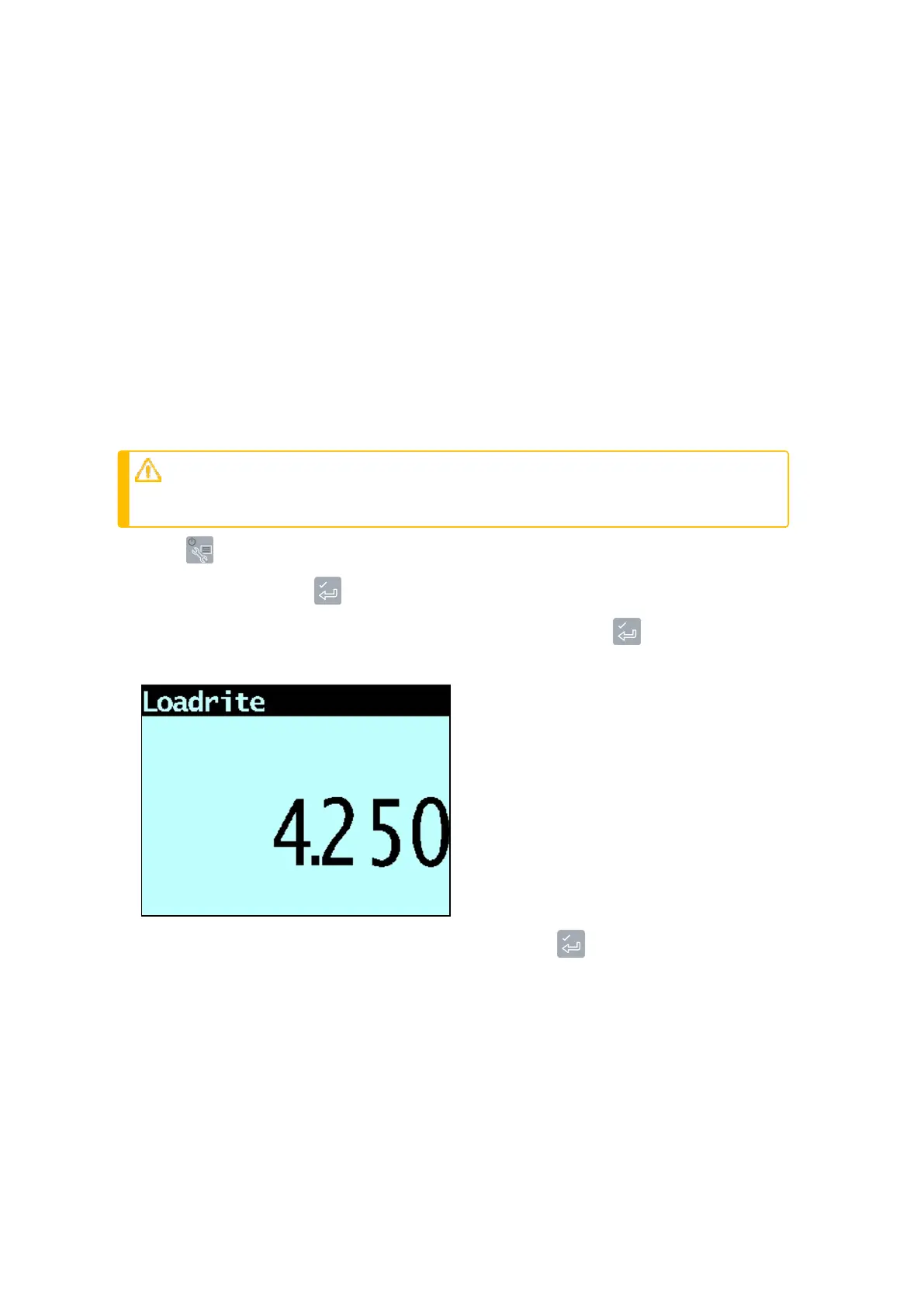
TheAdjust SpanmessagewilldisplaybrieflyandthentheLoadrite
AdjustSpan
screenwilldisplay.
5.
EnterthetotalweightprovidedbytheLoadriteIndicator,thenpress .
The
WeighBridge
screenwilldisplay.
Loadrite L2180 loader scales | 79



 To Next Page