3.0 The day-to-day weighing process
4. WhentheLower Armsmessageisdisplayed,lowertheemptybucket.Theloweringspeedwilldisplay.
NOTE – Thesamespeedmustbemaintainedforliftingandlowering.Ifthedifferencebetween
speedsistoolarge,theIndicatorwillpromptyoutotryagain.
TheZero Updatedmessagewilldisplay,beforethe
Total
screenisdisplayed.
3.5 How do I select a product to weigh?
1.
Ensurethatthe
Total
screenisdisplayed.
2.
Press .
TheData Menuwilldisplay.
3.
SelectProduct,thenpress .
The
Product
screenwilldisplay.
4.
Press or toscrollupordownthelistofproducts,thenpress .
ThenameoftheProductwillbedisplayedforonesecond,thenthe
Total
willdisplay.
3.6 How do I weigh and add a bucketload?
Whenthe
Total
screenisdisplayed,bucketloadscanbeweighed.
NOTE – Whenweighingabucketload,thebucketmustbekeptfully-rolledback.
1. RaiseabucketloadofproductsmoothlythroughtheTriggerPointusingconstantenginerevs.
TheWeighing messagewilldisplay.
2.
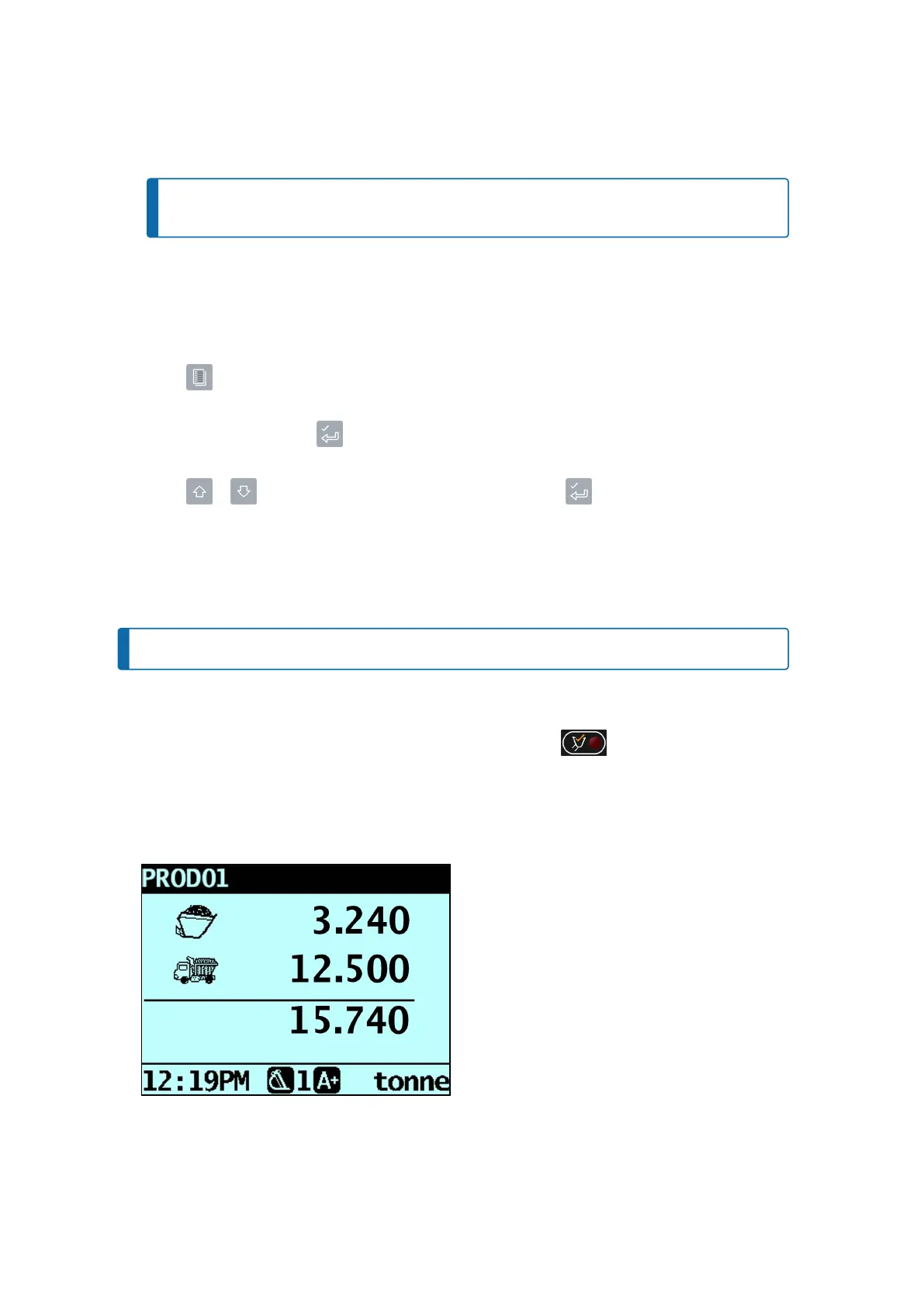
Whenthebucketloadhasbeenweighed,theIndicatorwillbeep,the (Trigger light)willilluminate,
andtheLive Weightscreenwilldisplaythefollowing:
n
thecurrentbucketloadweight,
n
theweightoftheshorttotal,
n
thenewshorttotalifthebucketloadisadded.
Loadrite L2180 loader scales | 20



 To Next Page