3.0 The day-to-day weighing process
3.6.1.2Auto-Addtoggle
The Auto-Add toggle functionality may or may not be available,
depending the configuration of your Indicator.
YoucantogglebetweenusingAuto-addandusingthenormaladdprocessfromthe
Total
screen.
Turn Auto-Add on
1.
Fromthe
Total
screen,press .
TheAuto-Add On?messagewilldisplay.
2.
Press .
ThemessagewillchangetoAuto-Add On andthe
Total
screenwilldisplay.
Turn Auto-Add off
1.
Fromthe
Total
screen,press .
TheAuto-Add Off?messagewilldisplay.
2.
Press .
ThemessagewillchangetoAuto-Add Off andthe
Total
screenwilldisplay.
3.6.2 Remote Add button
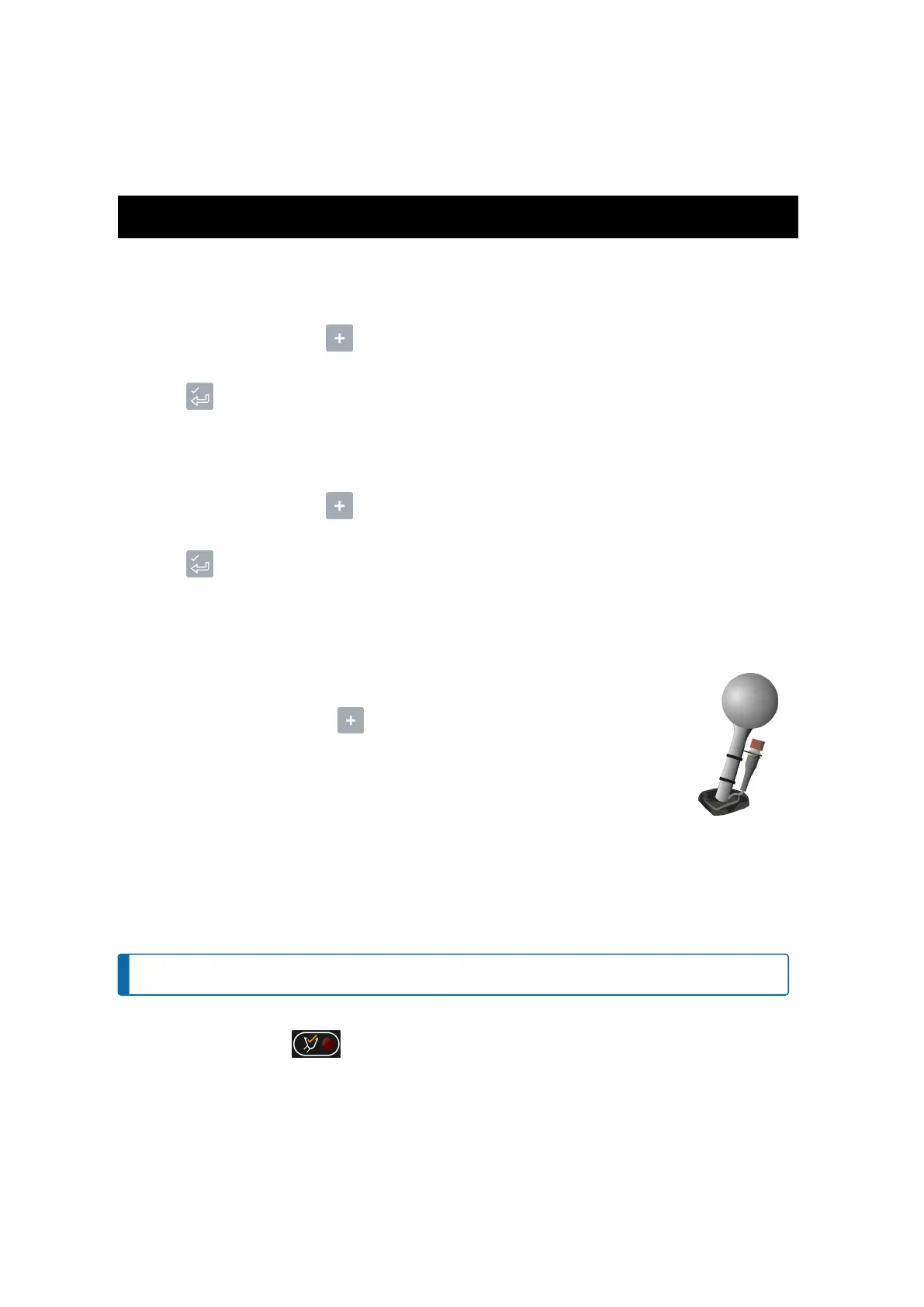
TheLoadriteweighingsystemhasanoptionalRemote Addbuttonwhichisnormally
mountedonorneartheliftlever.IftheRemote Addbuttonisinstalledinyourloaderyou
canuseitinterchangeablywiththe buttonontheIndicator.
3.6.3 Subtract a bucketload
Thisfunctioncanbeusefulwhenonlypartofafinalloadofloosematerialisrequired.Weighandaddafull
bucketload,butonlytiptheamountrequiredintothetruck.Thenre-weighandsubtracttheamountremainingby
completingthefollowing:
NOTE – Whenweighingabucketload,theloadermustbelevelwiththebucketkeptfully-rolledback.
1. RaisethebucketloadsmoothlypasttheTriggerPoint.
2.
TheIndicatorwillbeep, (Trigger light)willilluminateandtheweightofthecurrentload,theshort
totalandthepotentialnewweightwilldisplay.
Loadrite L2180 loader scales | 22



 To Next Page