22 Chapter 3
Software Guide
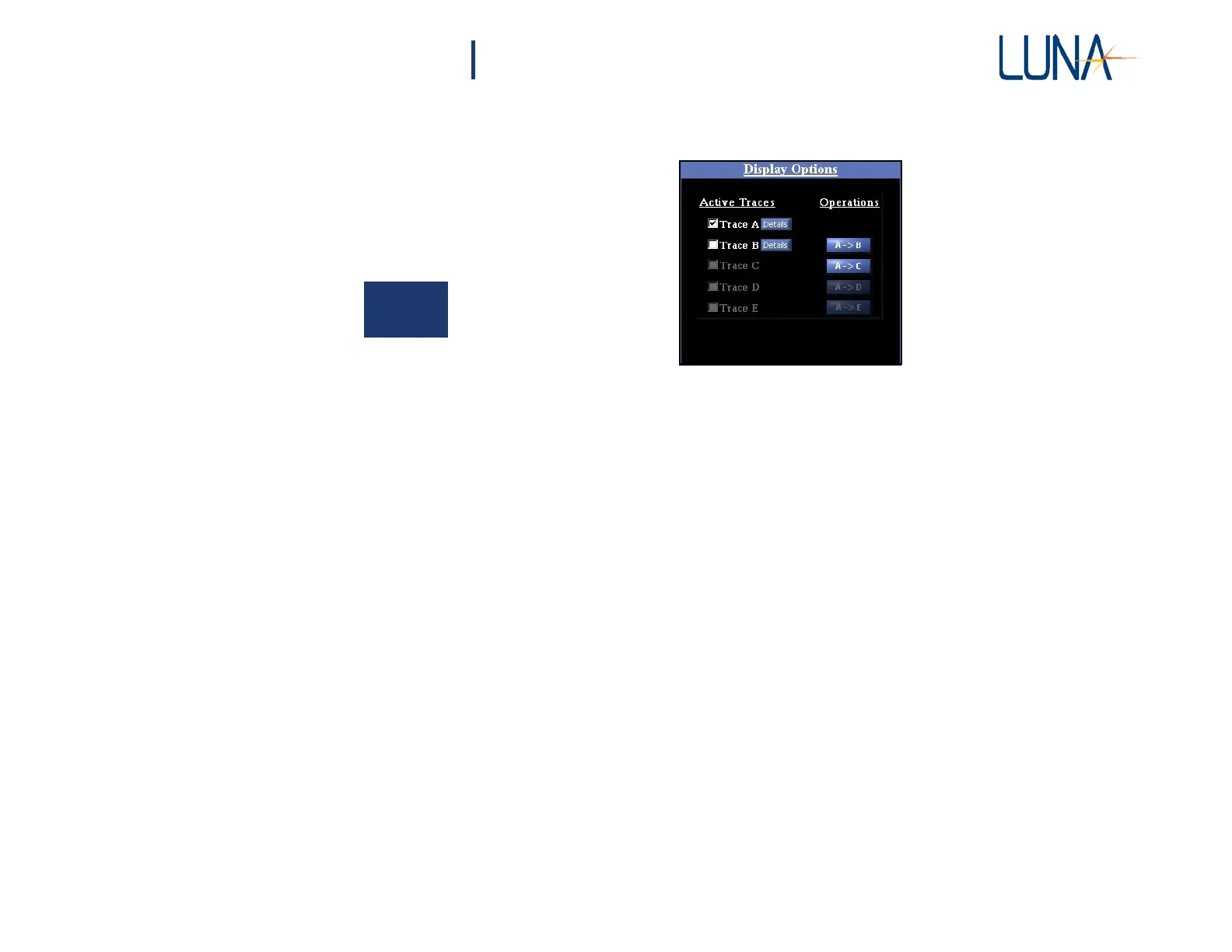
in a given trace may be graphed by clicking in the adjacent checkbox. It may be
moved from Trace A to another trace by clicking a button in the
Operations
column.
3
Figure 3-4. The Display Options area in the main OBR software window. Only two
traces will be available when the OBR is turned off (desktop analysis mode),
and with some high resolution configurations.
If the Distributed Sensing option was purchased, the last Trace will also be labeled
as the Shift Reference (See “Distributed Sensing Measurements” on page 59) when
Options > Sensing Enabled is On (checked).



 To Next Page