Optical Backscatter Reflectometer 4600 21
User Guide
• Clicking the Spot Scan button (as shown in the left side of Figure
3-2) starts a spot measurement of the device under test. (See “Spot
Scan Mode” on page 44.) This same button is used to stop a Spot
Scan when operating in Continuous Mode.
Data Processing
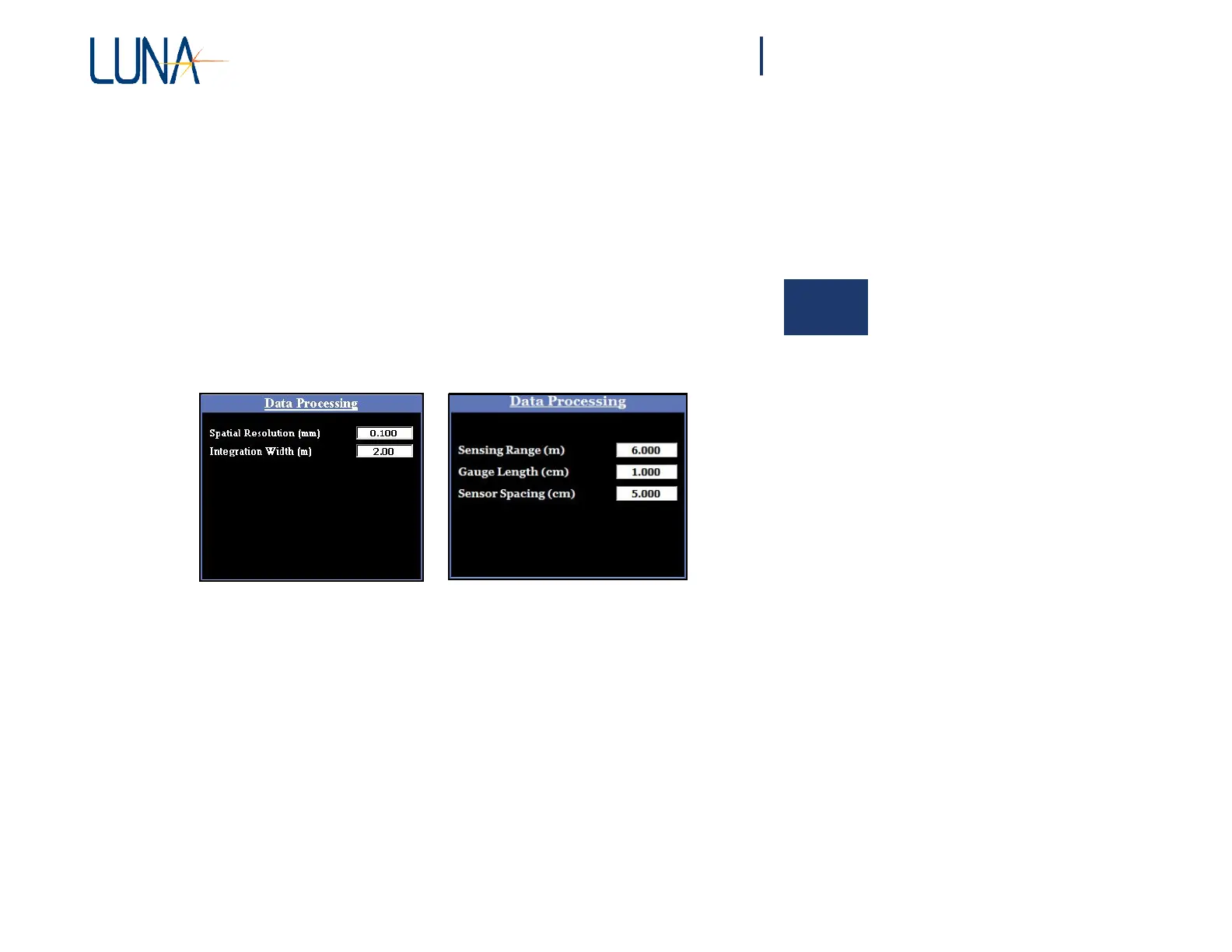
The Data Processing area allows the user to enter Spatial Resolution and
Integration Width settings, as shown on the left below. For more information, see
“Spatial Resolution Calculations” and “Integration Width” on page 164. If the
Distributed Sensing option was purchased, and Options > Sensing Enabled is ON
(checked), the Data Processing area changes to allow setting of sensing parameters,
as shown on the right below. (See “Distributed Sensing Measurements” on page 59.)
Figure 3-3. The Data Processing area in the main OBR software window when
Options > Sensing Enabled is OFF (left) or ON (right)
.
Display Options
The Display Options area allows the user to store data from the most recent scan
to one of two or more traces,
depending
on your unit’s
configuration.
The data loaded



 To Next Page