Optical Backscatter Reflectometer 4600 37
User Guide
The Calibration Procedure
To calibrate the system
1 Ensure that the OBR unit is
powered
on and that the laser is on and ready.
The Laser On light on the front of the instrument comes on when the
laser reaches operating temperature.
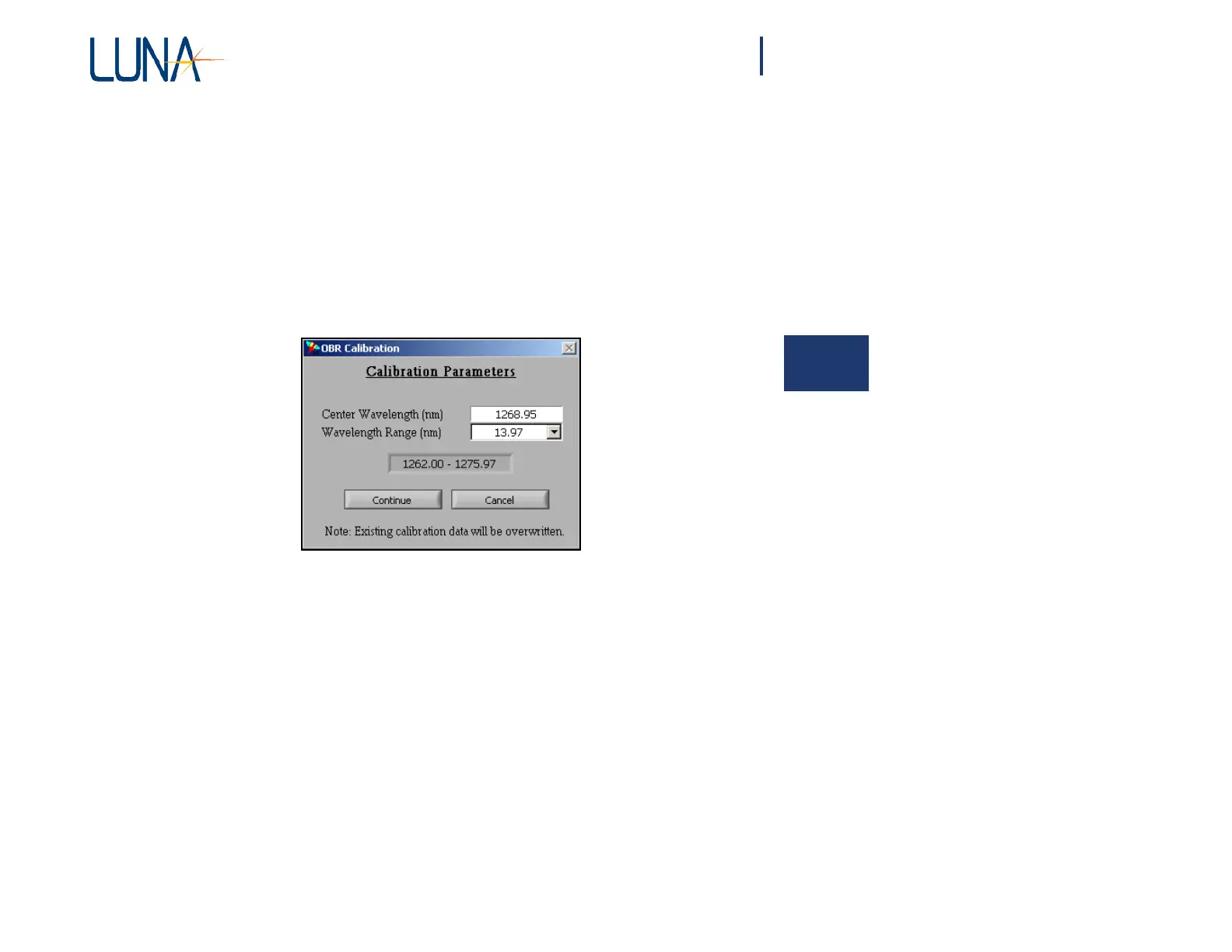
2 Select Tools > Calibrate.
The following dialog box appears:
4
Figure 4-4. Calibration Parameters dialog box.
3 Type in the Center Wavelength appropriate for the device(s) to be
tested following calibration.
4 Select the desired Wavelength Range from the pull-down menu.
Note that in order to perform measurements over a broader wavelength range
than the one selected during calibration, it is necessary to recalibrate.
5 Click Continue.
The instrument performs several internal scans. Next a prompt appears
instructing the user to connect the supplied reference fiber and reflector to the
instrument. First follow step six.
6 Before making connections, be sure to clean all fiber optic connectors.
(See “Cleaning Connectors” on page 195.)



 To Next Page