44 Chapter 4
Performing Measurements
Fast Scan Mode
In both the Single Scan and
Continuous
Scan modes, the user may chose to increase
the scanning rate from the default setting. Spot Scans (see below) may also be
performed at a user-set scanning rate.
The user should note that Fast Scanning increases the laser sweep rate to decrease
measurement
time. Fast
Scanning
is not
appropriate
for some
applications
with high
return loss. The Fast Scan sweep rate can be set from 10 to 200 nm/sec.
Note
4
In order to increase the laser sweep rate, the laser
acceleration range must also be increased. This reduces
the maximum available wavelength range to avoid low
wavelength values. To achieve a larger wavelength range
in Fast Scan mode, the user may need to recalibrate
with a higher center wavelength. Calibrating the
instrument while in Fast Scan mode will coerce the center
wavelength to values that are valid for the Fast Scan mode.
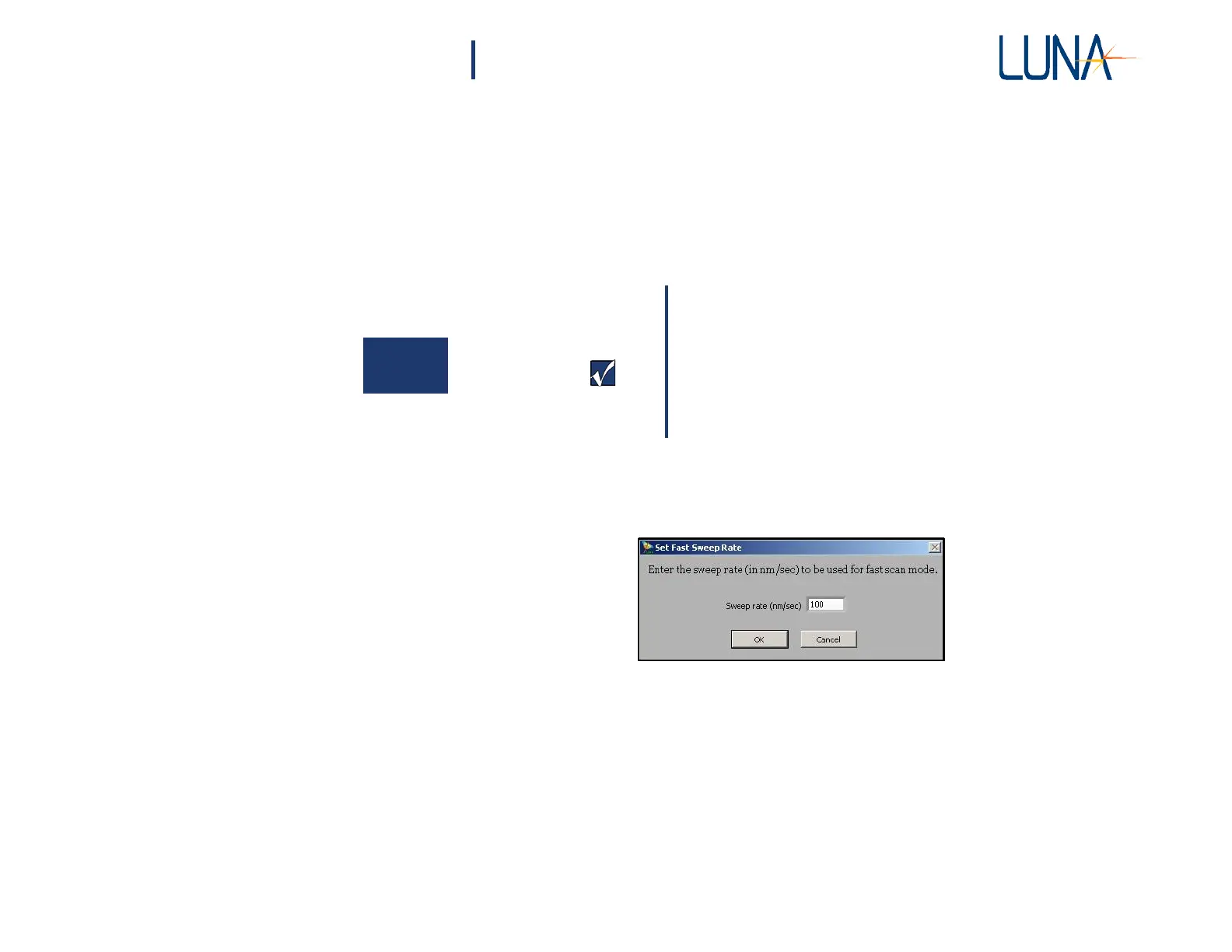
1 Before clicking Scan, select Options > Fast Scanning > Set Fast Scan
Rate. In the dialog box shown below, set the scanning rate.
2 Select Options > Fast Scanning > Fast Scanning Enabled. (A check
mark in the menu indicates that Fast Scanning is On or Enabled.)
3 Perform a Scan as instructed under “Single-Scan Mode” on page 41 or
“Continuous Scan Mode” on page 43.
Spot Scan Mode
The Spot Scan mode allows the user to scan a one- to two-meter region of the DUT,
allowing for shorter measurement times and smaller data files. Spot Scans may be



 To Next Page