Optical Backscatter Reflectometer 4600 39
User Guide
10 In the lower graph Title Bar area, click the yellow button,
meaning that the lower graph will be calculated based on the upper,
integrated segment surrounding the yellow cursor.
11 Next hit the blue recalculate button in the lower graph Title Bar
area.
12 Select Frequency Domain from the pull down menu at the upper right
of the lower graph.
13 From the lower parameters menu or Title Bar, select Return Loss.
14 The resulting curve should be nominally flat, within the measurement
accuracy of the instrument, with a mean value of about 0.0 to -1.0 dB.
(For the return loss accuracy see the Specifications Sheet shipped with
your OBR unit.)
If the return loss curve is not nominally flat, perform a second calibration. If
this fails to yield a nominally flat return loss curve, contact Luna Technologies
toll free at 866-LUNAOVA (866-586-2682).
Storing Multiple Calibrations
Users may store more than one
calibration
file,
covering different wavelength
ranges.
Note that users should only use calibration files created in the last 24 hours or so,
as explained under “Conditions that Require Calibration” on page 36.
To store or use multiple calibrations
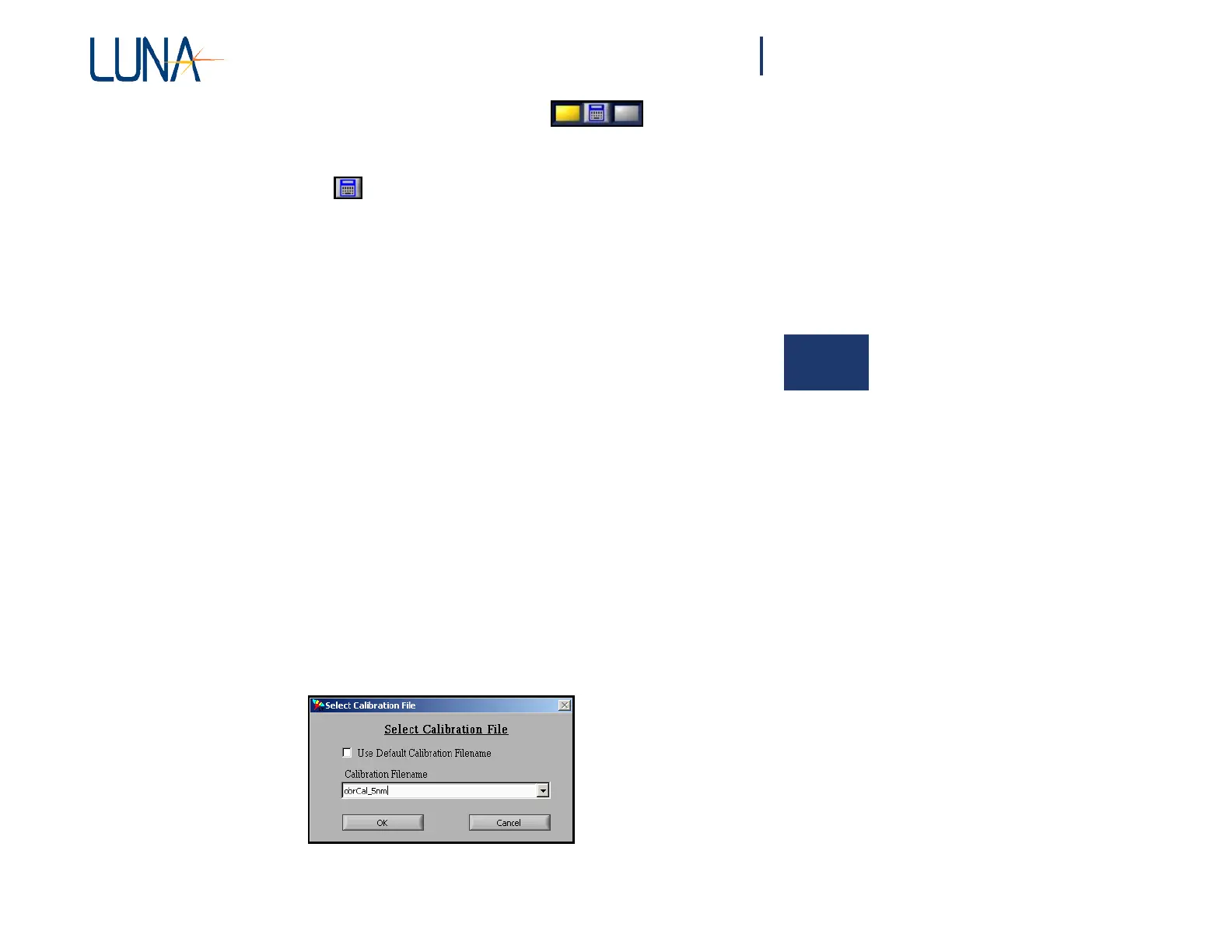
1 Select Tools > Specify Calibration Filenames. The dialog box below
appears.
Figure 4-5. Specify Calibration Filename(s) dialog box.



 To Next Page