Optical Backscatter Reflectometer 4600 79
User Guide
6
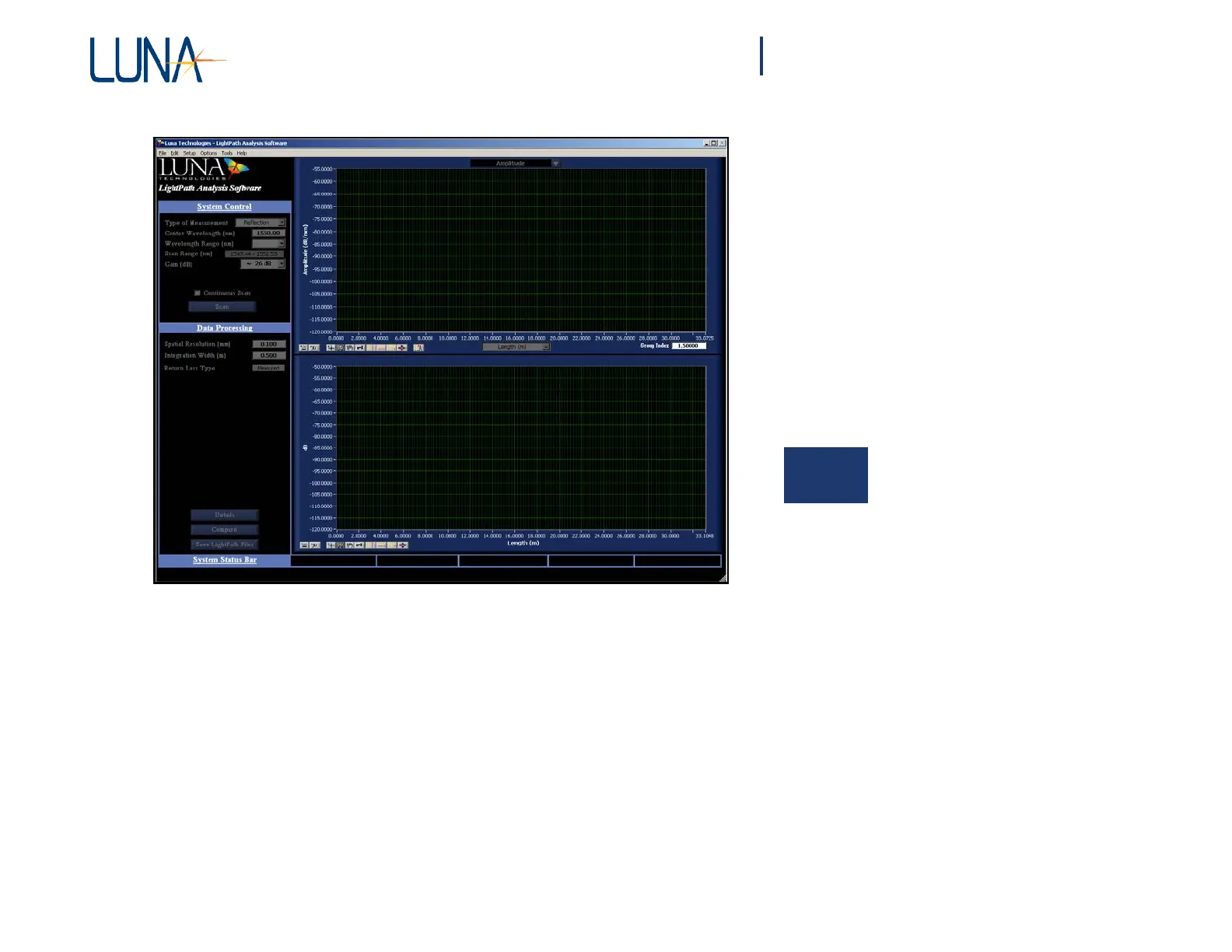
Figure 6-1. LightPath Analysis software main screen.
Adjusting a Parameter
Configuration
File
From the main menu, select Setup > File Configuration. The Specify File Paths
window appears, as shown in Figure 6-2, allowing the user to set the Reference
Trace Folder, Parameter Configuration File, and Base Folder for Output Data.



 To Next Page