Optical Backscatter Reflectometer 4600 87
User Guide
Changing from a
Configuration
File to a Reference File
Now that we have made changes to the tolerances in a data file, we can save that
file as the new Reference. Select Setup > File Configuration from the main menu
to view the Specify File Paths window (Figure 6-2). Click the Compare to
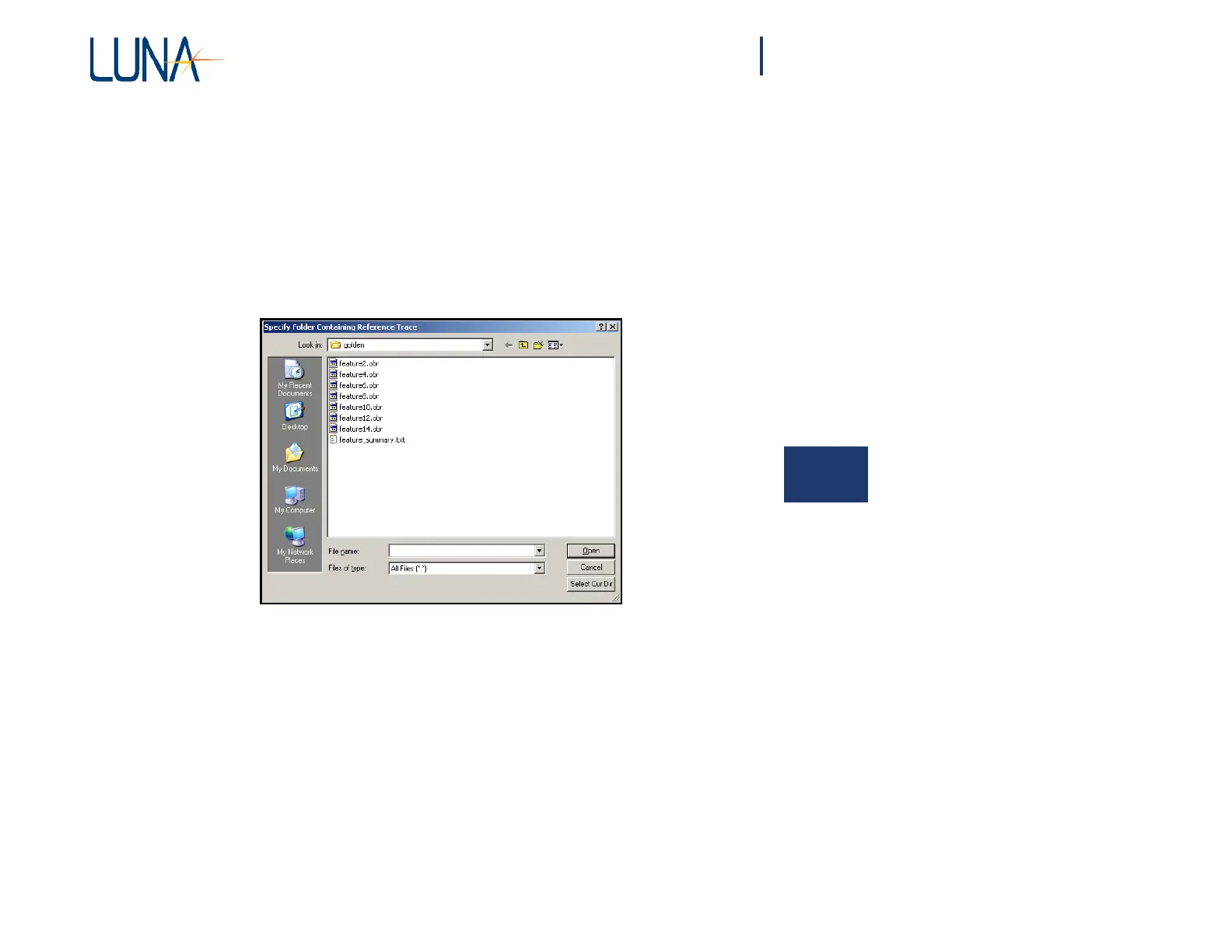
Reference Trace checkbox. Click the Reference Trace Folder browse button and
select the folder C:\LPA_Data\golden from the Specify Folder Containing
Reference Trace window (Figure 6-7). Note that you are selecting the folder itself,
and not a specific file in the folder.
6
Figure 6-7. The Specify Folder Containing Reference Trace window appears
after clicking the browse button in the Specify File Paths window.
Use the Select Cur Dir button to select the folder once you have navigated to it.
This returns you to the Specify File Paths window. Uncheck the Use General
Tolerances checkbox.
A Reference Trace contains both general tolerance values (like the ones in the
Parameter Configuration File) and tolerances that are specific to each individual
feature. This box can be checked to use the General Tolerances instead of the
feature-specific tolerances. (It is usually desirable to use the feature-specific
tolerances
with a
Reference Trace
,
but
comparing
to
general tolerances
is sometimes
useful.)



 To Next Page