64 Chapter 5
Data Processing and Display
To specify options for saving
data
1 Select File > Select File
Options
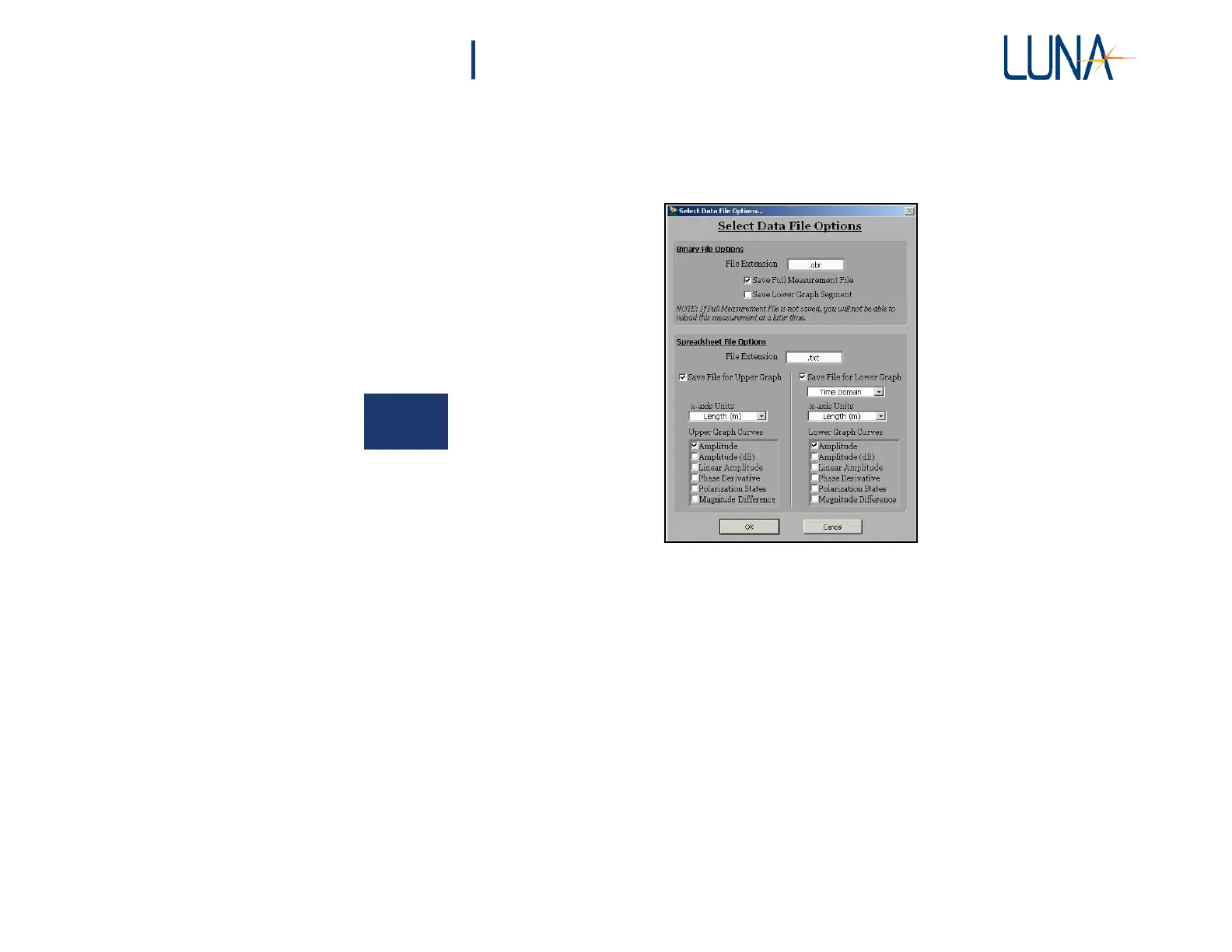
The Select File Options dialog box shown below opens.
5
Figure 5-3. Select Data File Options dialog box. WIth the setting shown, the full
binary file and the lower graph spreadsheet file for two parameters will be saved.
2 A binary file of the complete data will only be saved if the Save Full
Measurement File box is checked. If Save Lower Graph Segment is
checked, the software will also save a binary file of the data displayed
in the lower graph. All of the data in that segment will be saved, not
just the
parameter displayed.
This allows the user to save and manipulate
smaller
binary files. These
Lower Graph Segment
binary
files may also
be reloaded into the software.



 To Next Page