214658 95 Revision A
7. Check sensor reading on monitor.
8. Raise header so it is just off ground and check sensor reading again.
9. If sensor voltage is not within low and high limits shown in 6.1.2 Height Sensor Output Voltage Range –
Combine Requirements, page 74, or if range between low and high limits is insufficient, you need to make
adjustments. For instructions, refer to Adjusting Header Height Sensor Voltage Range (Left Side), page 77 and
Adjusting Header Height Sensor Voltage Range (Right Side), page 77.
Calibrating Auto Header Height Control (John Deere 60 Series)
NOTE:
Changes may have been made to combine controls or display since this document was published. Refer to
combine operator’s manual for updates.
CAUTION
Check to be sure all bystanders have cleared the area.
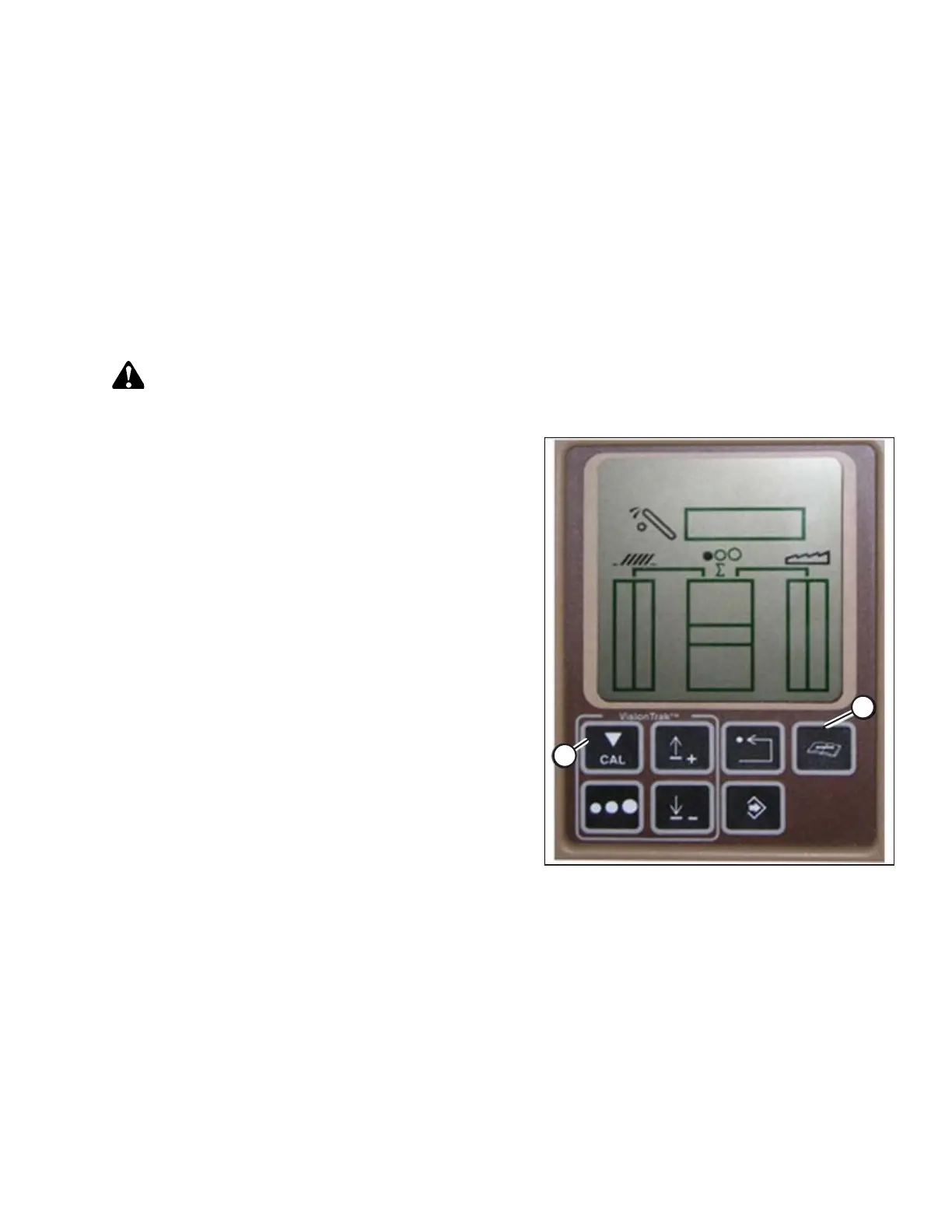
Figure 6.48: John Deere Combine Display
1. Press DIAGNOSTIC button (A) on monitor. DIA
appears on monitor.
2. Press CAL button (B). DIA-CAL appears on monitor.
PREDELIVERY INSPECTION



 To Next Page