144
[14] ANGLE ADJUSTMENT OF REAR VIEW CAMERA
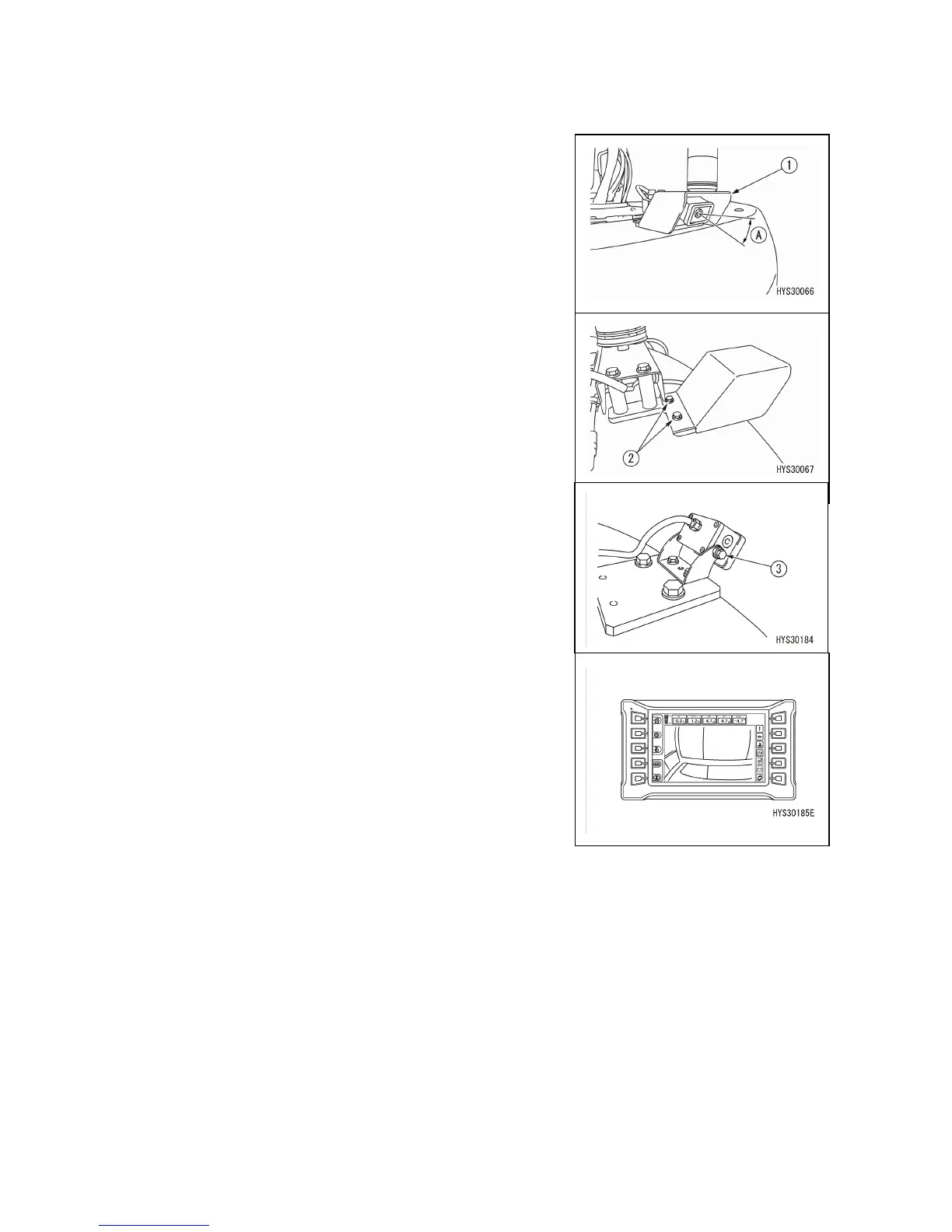
If images displayed on the monitor are not in the right position, remove the cover (1) and adjust the
mounting angle (A) of the rear view camera.
1. Remove the bolt (2) (2 locations) to remove the cover.
2. Loosen the camera mounting bolt (3) on both sides and
adjust the camera mounting angle (A).
3. After adjustment, tighten the bolt (3).
4. After adjustment, install the cover (1).



 To Next Page