- 98 -
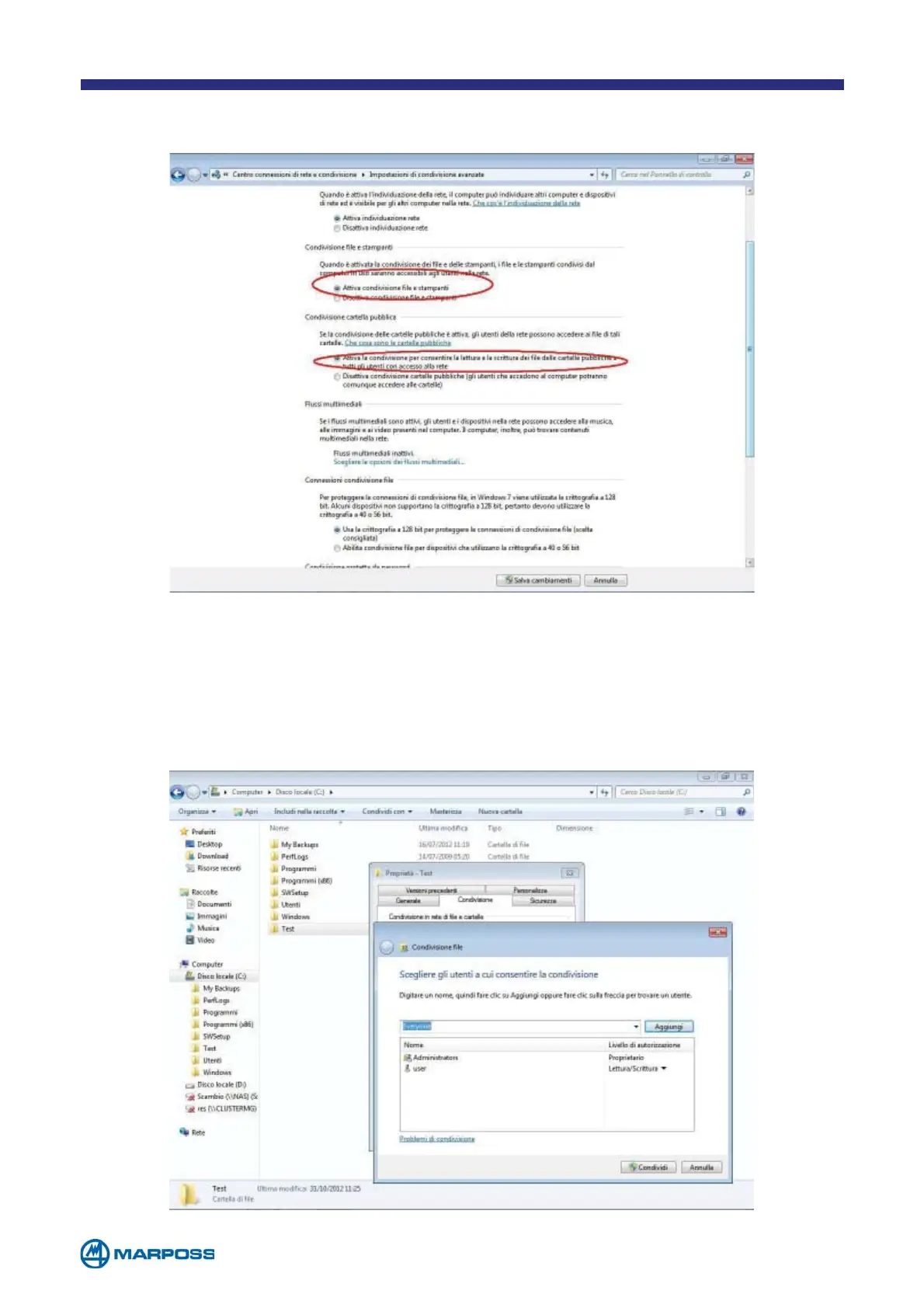
Picture 3
Tick the option of sharing files and printers then allow to the users any operation
on reading/writing and then save the changes. See the picture 3 below.
Create the folder for sharing. Picture 4 shows the folder “Test” created. Tap on the
right button of the mouse on the folder created and select “Properties”. Enter on
the Tab “Sharing”, then tap on the button “Share” and select “Everyone”
from the combo and then tap on “Add”. Modify the “Authorization level”, from “Re-
ading” to “Reading/Writing”. Tap on “Share”.
Picture 4



 To Next Page