124
6. Turn Power ON/OFF switch to ON.
After the boot up, in the Home Screen select the “Self Diagnostic” button
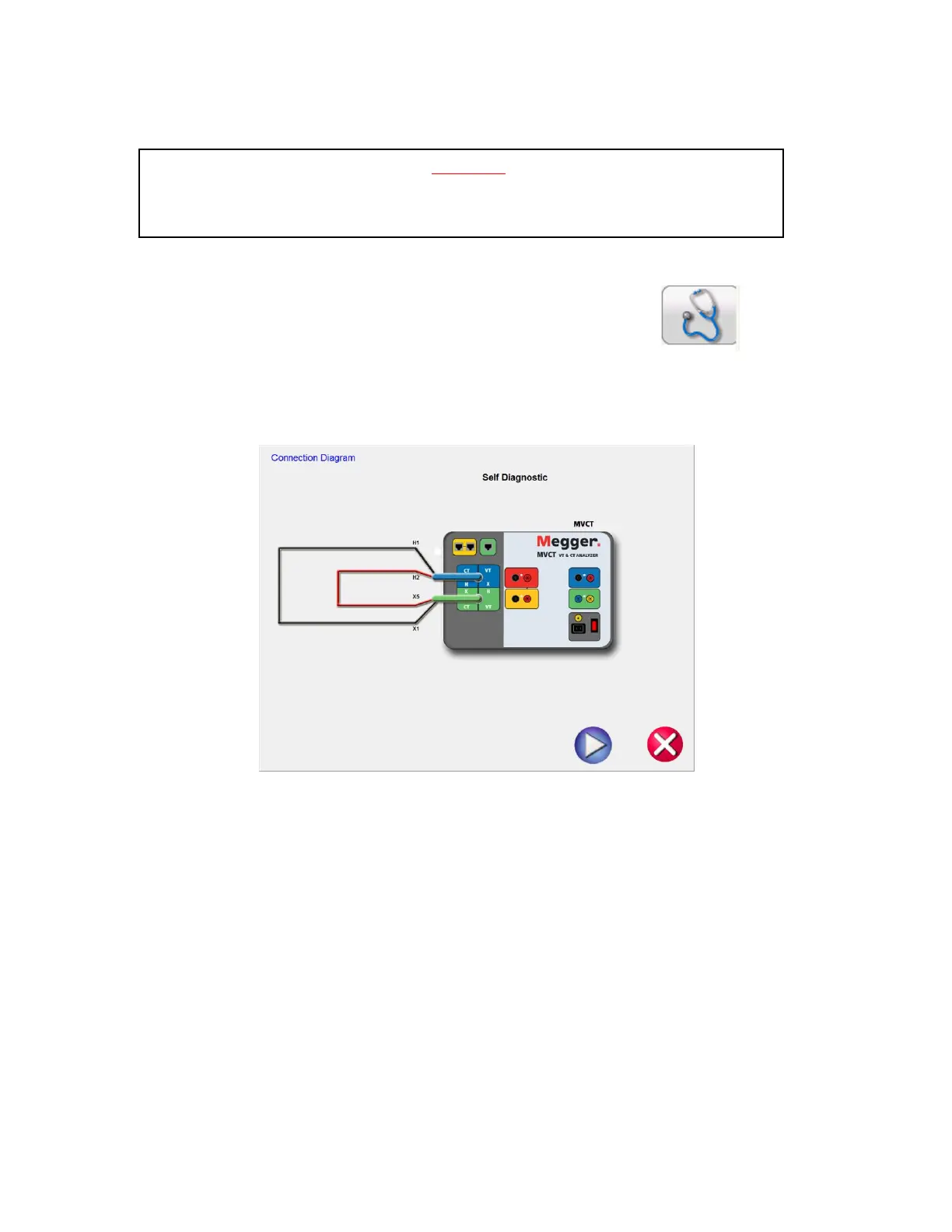
7. The following connection diagram will appear. Ensure the MVCT is connected properly.
Figure 94 CT Self Diagnostic Connection Diagram
8. During the Self Test, Secondary Current, Secondary Voltage and Primary Voltage will be displayed
WARNING
The MVCT produces high voltages and currents during the performance of tests. DO NOT
TOUCH connector clips or test leads while the MVCT is performing a test.



 To Next Page