26
For units being controlled with a personal computer, the user needs to install PowerDB Lite on the PC.
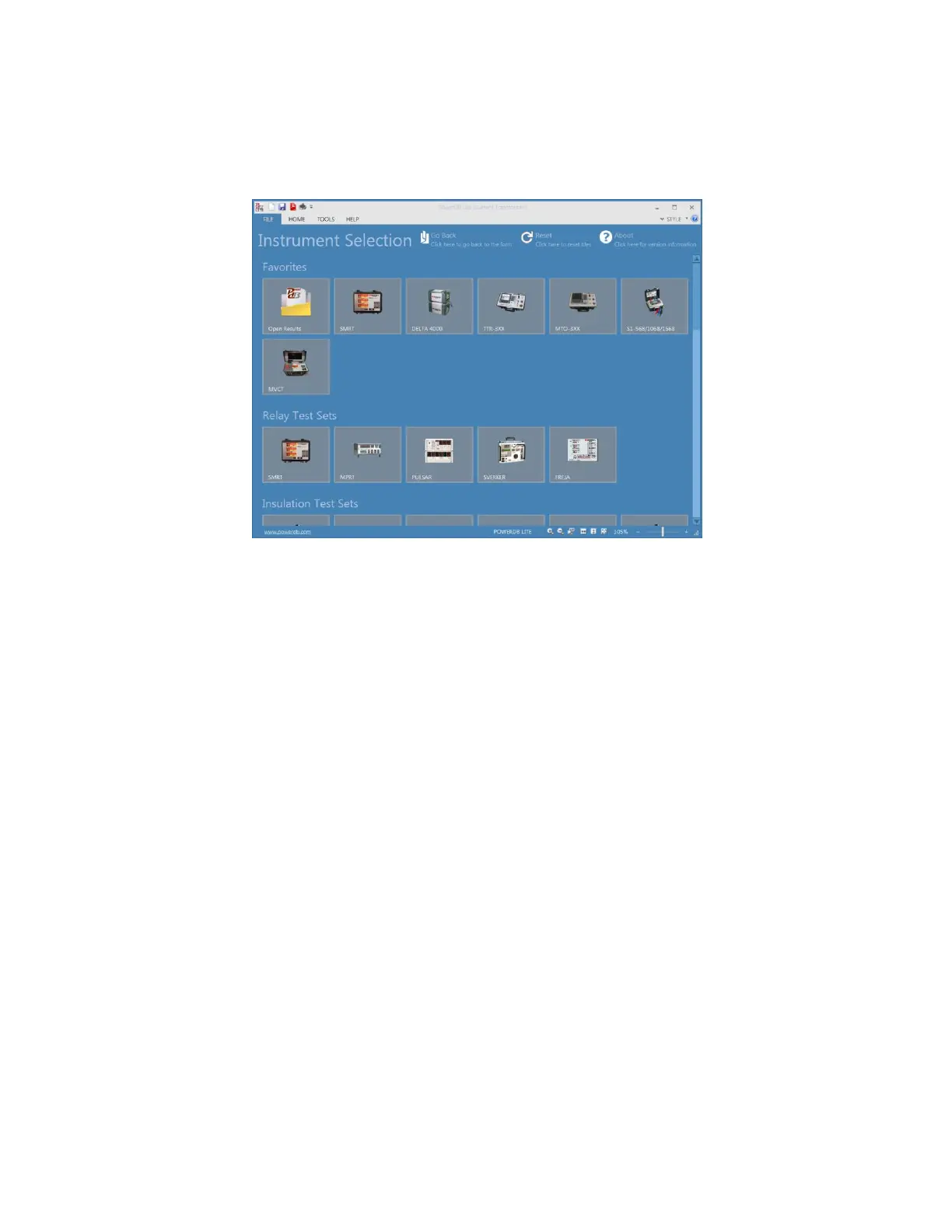
The install disk is supplied with the unit. The user will then start the PowerDB Lite application. Once the
application starts the Introduction Screen will appear, see the following figure.
Figure 7 PowerDB Lite Initial Screen
From the PowerDB Lite Initial screen the user can control many of Megger’s different testing
instruments. After connecting the PC to the MVCT using the supplied Ethernet cable, to log onto the
MVCT the user needs to select the MVCT icon. This will launch the Instrument Configuration dialog as
seen below



 To Next Page