49
After either selecting the number of taps or the individual tap selection, the saturation test is begun by
selecting the blue play button.
5.4.1.10 Ratio
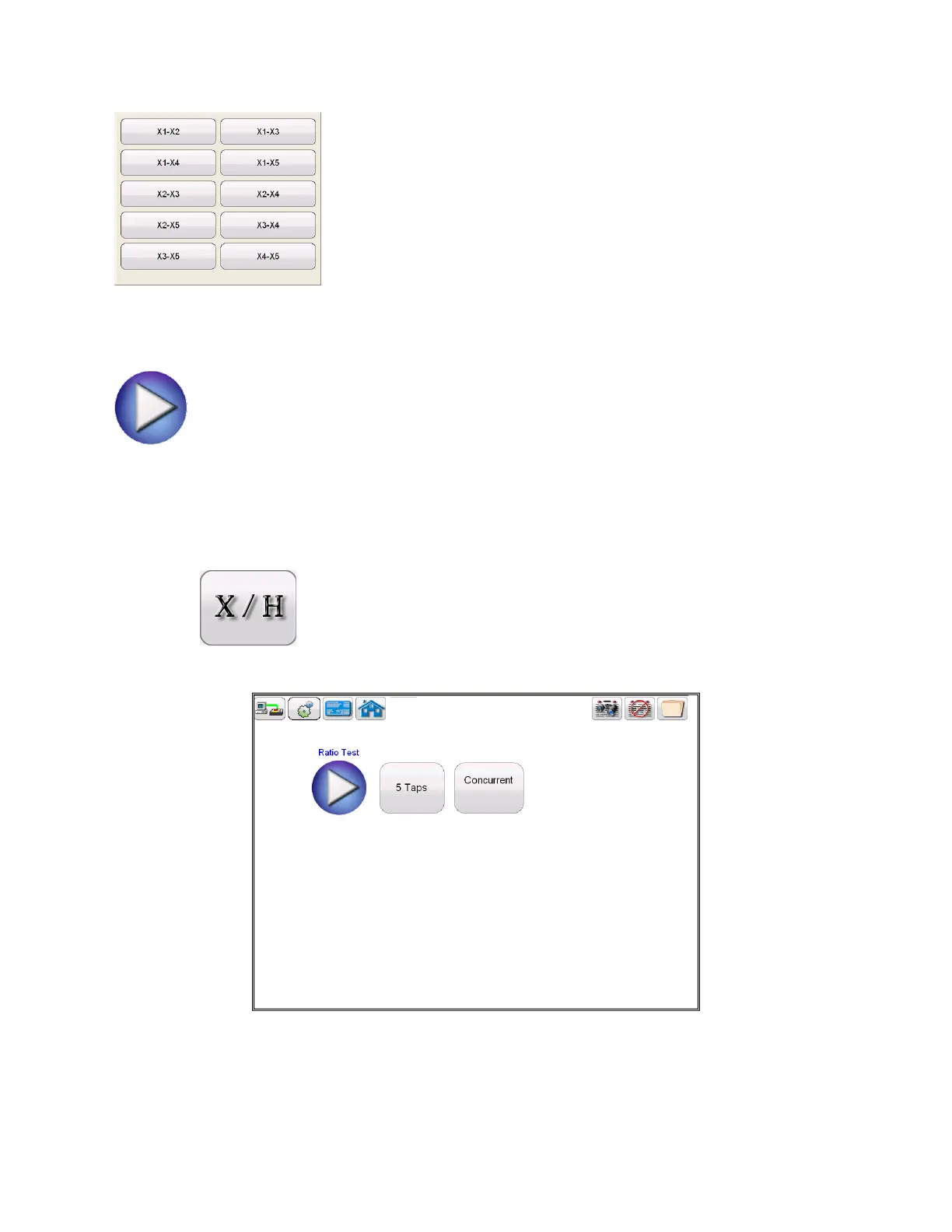
Selection of Ratio Test button from the test configuration screen will bring the user to the
following Ratio Test screen
Figure 24 Ratio Test Screen
Within this screen the user can select between Concurrent and Non concurrent Testing



 To Next Page