64
Figure 37 File Save Using PC
From here the user can create a New File, Save the current File, open an existing File, or print the
existing file.
5.4.2 VT Testing Mode – Menu Items
Menu items are considered either system wide menu items or menu item that are available only within
a specific mode of testing. Below are all the menu items available when the MVCT is set up for test VT’s
5.4.2.1 Device Connections
Selection of Device Connection button will initialize the connection to the MVCT
5.4.2.2 Device Settings
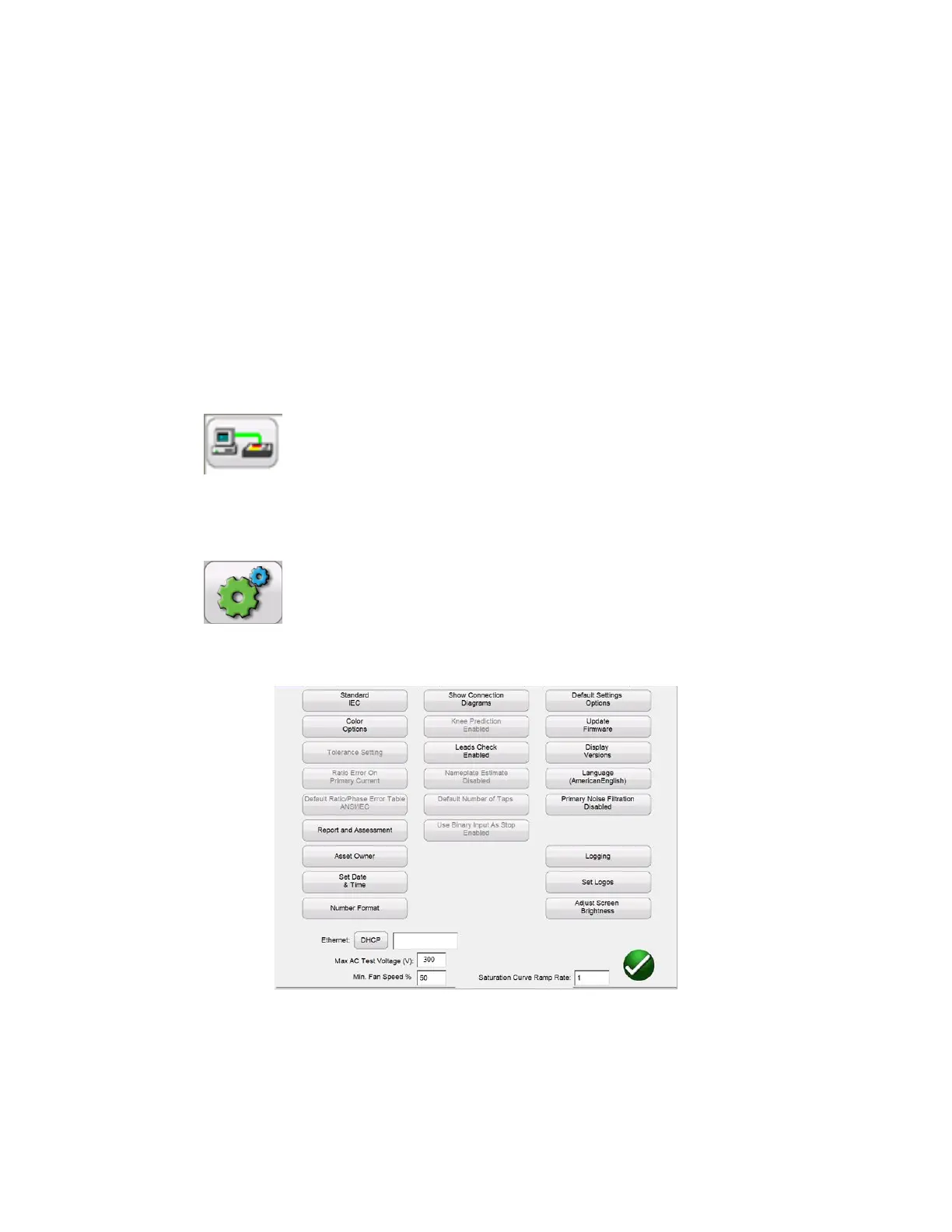
Selection of Device Settings, brings the user the following screen.
Figure 38 Device Settings – VT Testing
Within this screen all device settings are visible. However, only the ones that apply to the current mode
of testing will be accessible. As on the unit, setting unavailable in VT testing mode will be grayed out.



 To Next Page