48
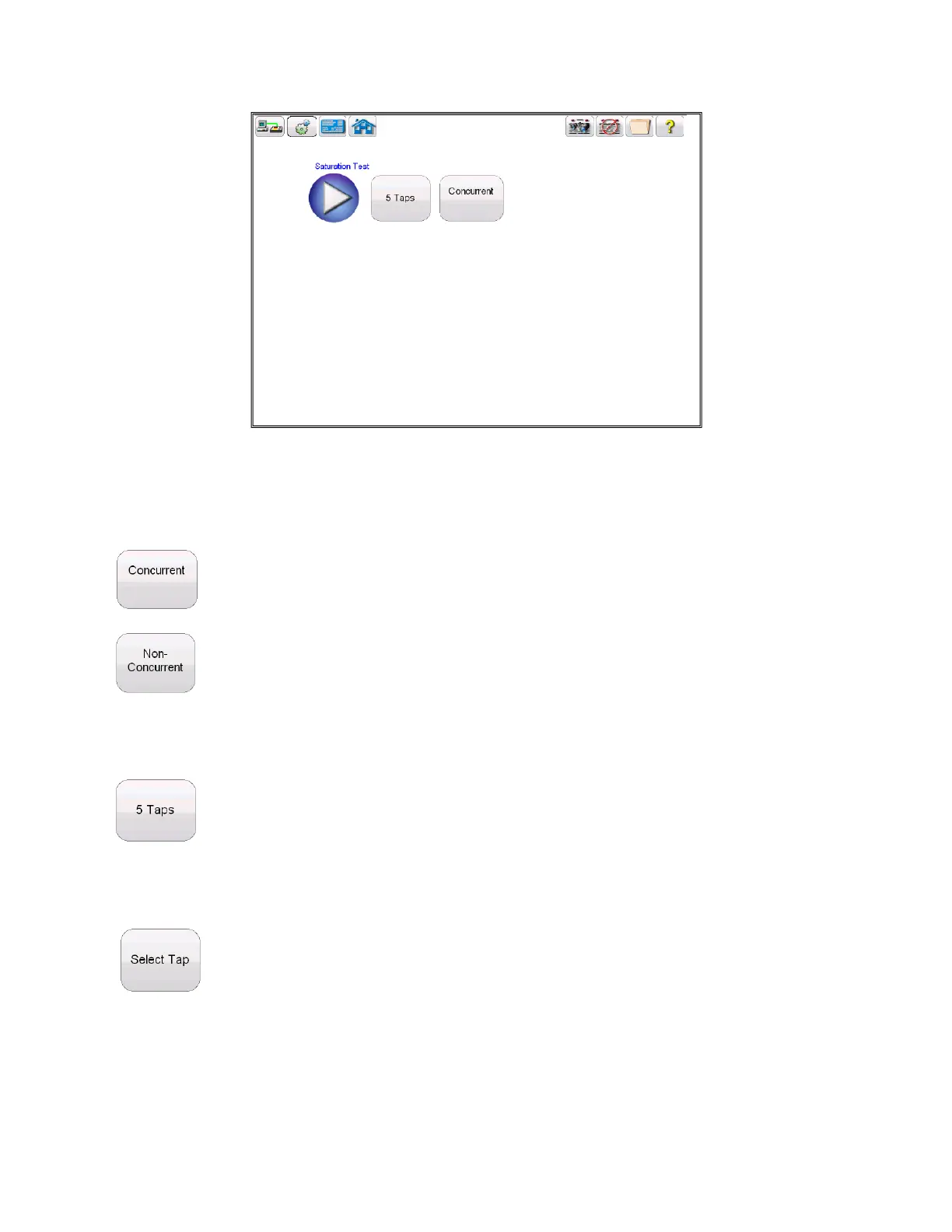
Figure 23 Saturation Test Screen
Within this screen the user can select between Concurrent and Non concurrent Testing
When Concurrent Mode of testing is selected, the user is required to select how many taps is desired to
test simultaneously
However if the Non Concurrent Mode of testing is selected, the user is required to select which
individual tap is desired
Hitting the select tap button will activate the tap selection dialog



 To Next Page