29
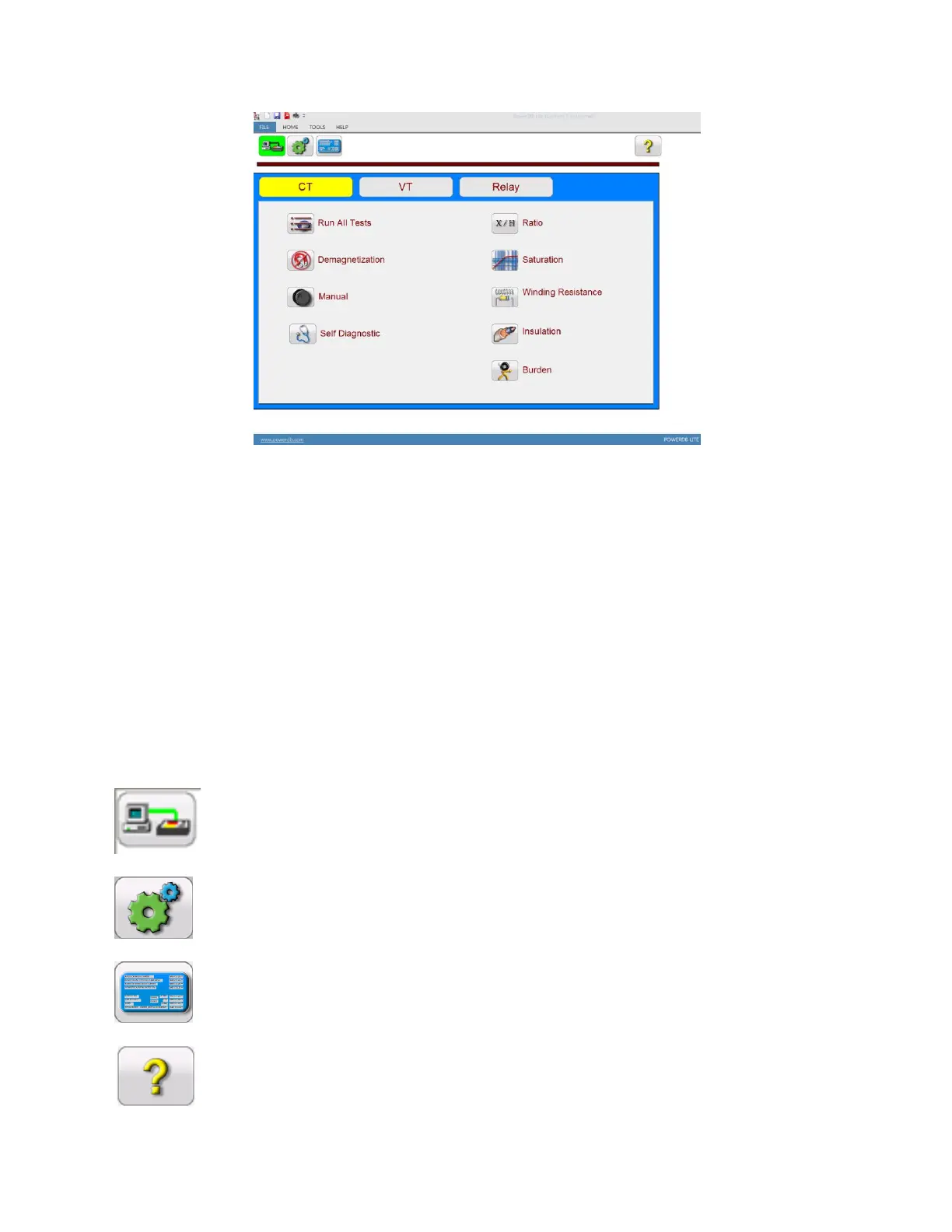
Figure 12 PowerDB Lite Home Screen
5.3 Software Interface
Whether the MVCT is being controlled with an integrated display, an STVI, or a personal computer the
software has the same user interface. From this Home screen the user can navigate to the desired test
screen. All individual test screens and settings for the unit can also be accessed from this screen. By
pressing the navigation buttons on this screen, one can select the desired operation. Following are the
user selectable operations.
Device Connection
Device Settings
Name Plate Information
User Help



 To Next Page