38
entered in the Actual Burden field then the performance of the CT at the specified value will also
be calculated.
Ratio: For a multi- tap CT, different tap ratios can be obtained from nameplate and can be
entered in nameplate screen. By entering these four ratios the MVCT will auto-determine all
interior ratios and use these values when calculating ratio errors
Copy From Button: If the user has selected to include multiple CT into one report, once data
about one CT has been input, the copy from button can be sued to copy identical information
from one Ct to another
User Descriptions and Values are used to fill out the optional testing information such as
1. Technician name,
2. Company information,
3. Substation location,
4. Position and phase of CT
5. type of CT - Bar Type or Window Solid Core
6. Other relevant testing data.
Note: All the information in Nameplate screen is optional. It is not required to perform a test on CT.
The MVCT will attempt to estimate the nameplate values. However by inputting any data that is
known a more precise estimate can be made for any missing data and a more complete report can be
generated.
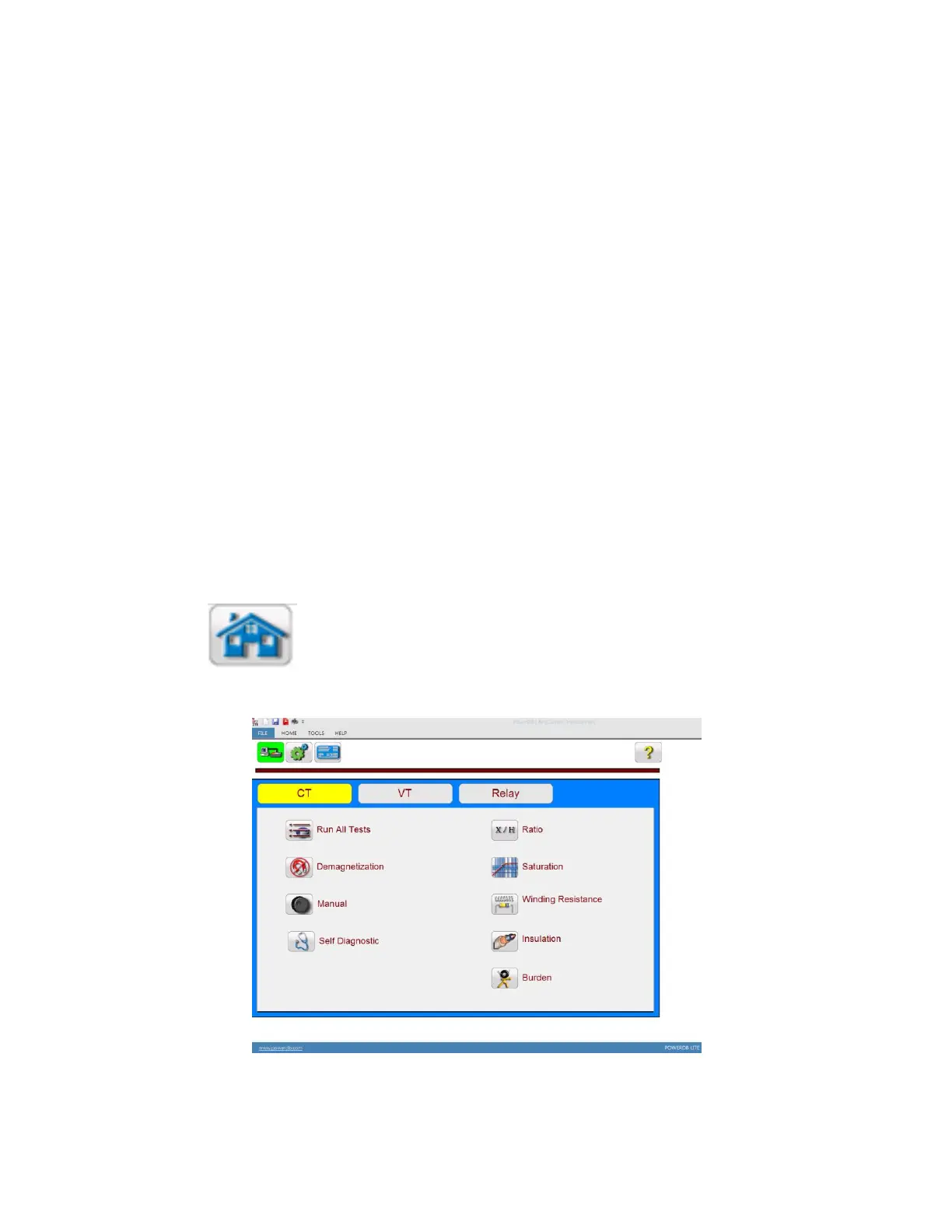
5.4.1.4 Home Screen
Selection of Home Button, the user will be brought to the home screen from which the
user can navigate to any test.
Figure 15 Home Screen CT Testing



 To Next Page