61
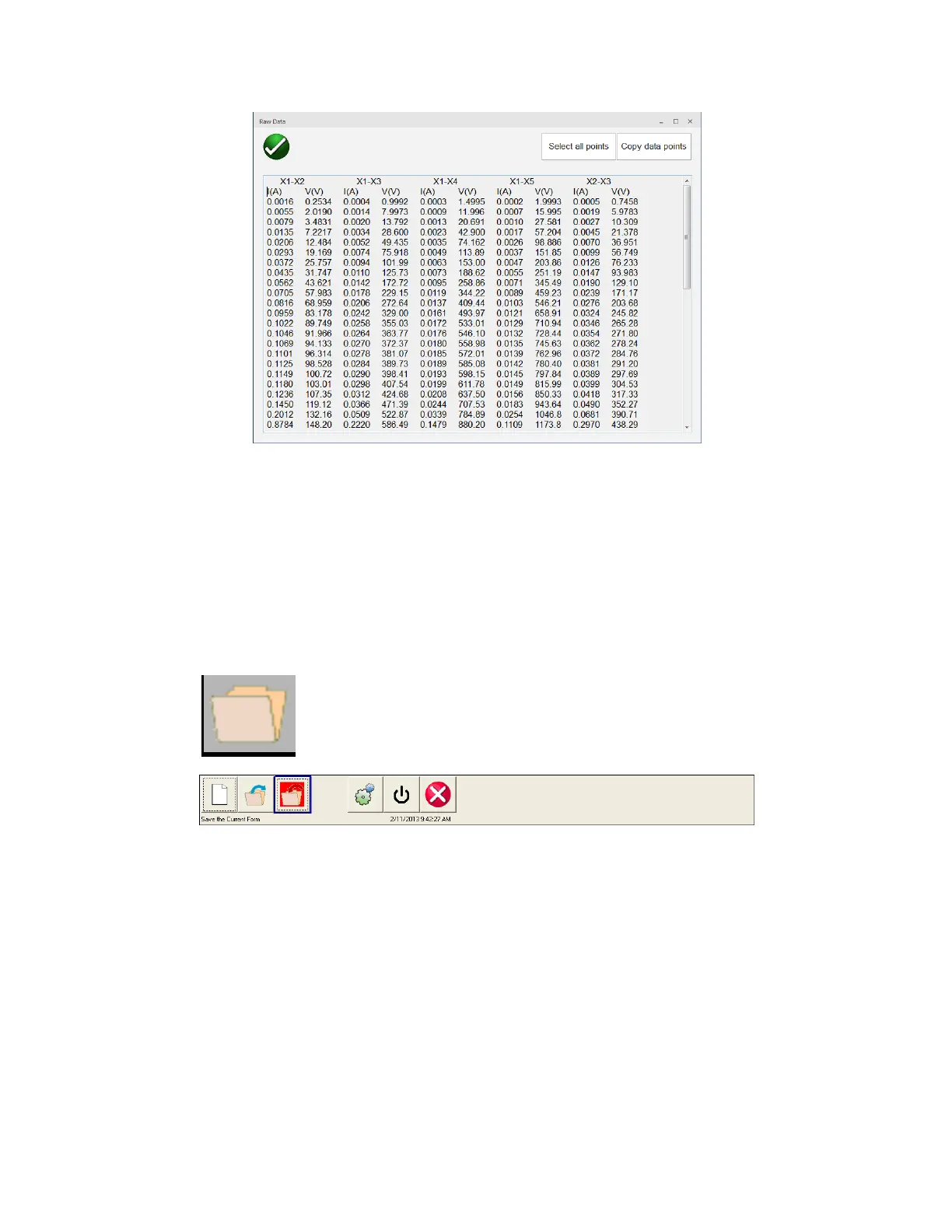
Figure 33 View Excitation Data Points
5.4.1.18 File Operations
Files operations will vary depending upon whether the user is controlling the MVCT with a PowerDB
installed on PC or the MVCT’s integrated display. For units being controlled with the MVCT’s integrated
display, once a CT has been tested and a test file exists, the File Manager button will be available.
Selection of File Manager button, brings the user to the following tool bar
Figure 34 File Operation Tool Bar
The toolbar is used to Open File; Close File; or Cancel. Selecting either Open File or Close File will open
the File Manager Dialog (see below)



 To Next Page