55
After either selecting the appropriate test current, the burden test is begun by selecting the blue play
button.
5.4.1.14 View Report
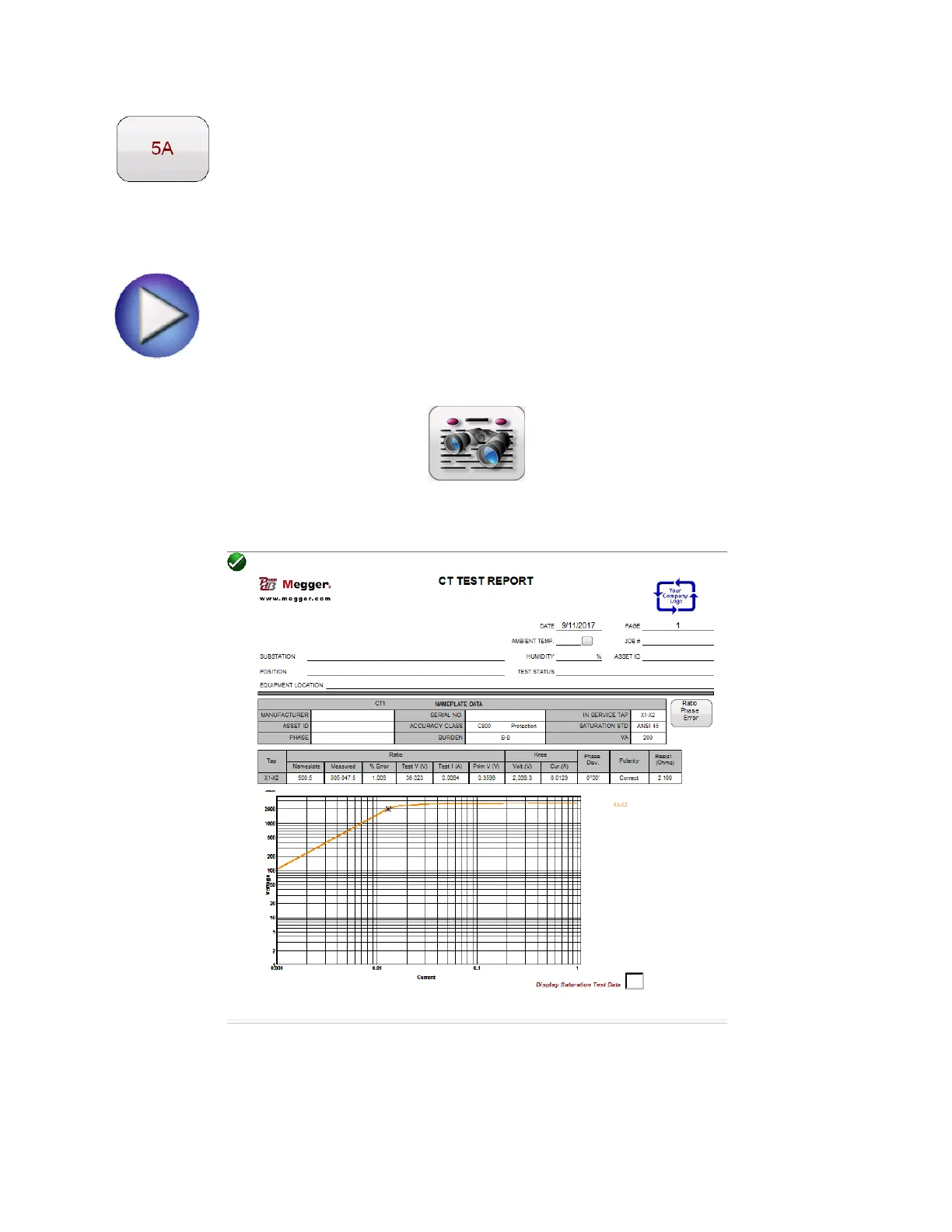
If a test has been run and data is present the View Test Report button will be available.
Selection of this button will generate a report of all test data for the active CTs. Data in the report
regarding customer information may be entered here
Figure 28 Sample CT Test Report



 To Next Page