25
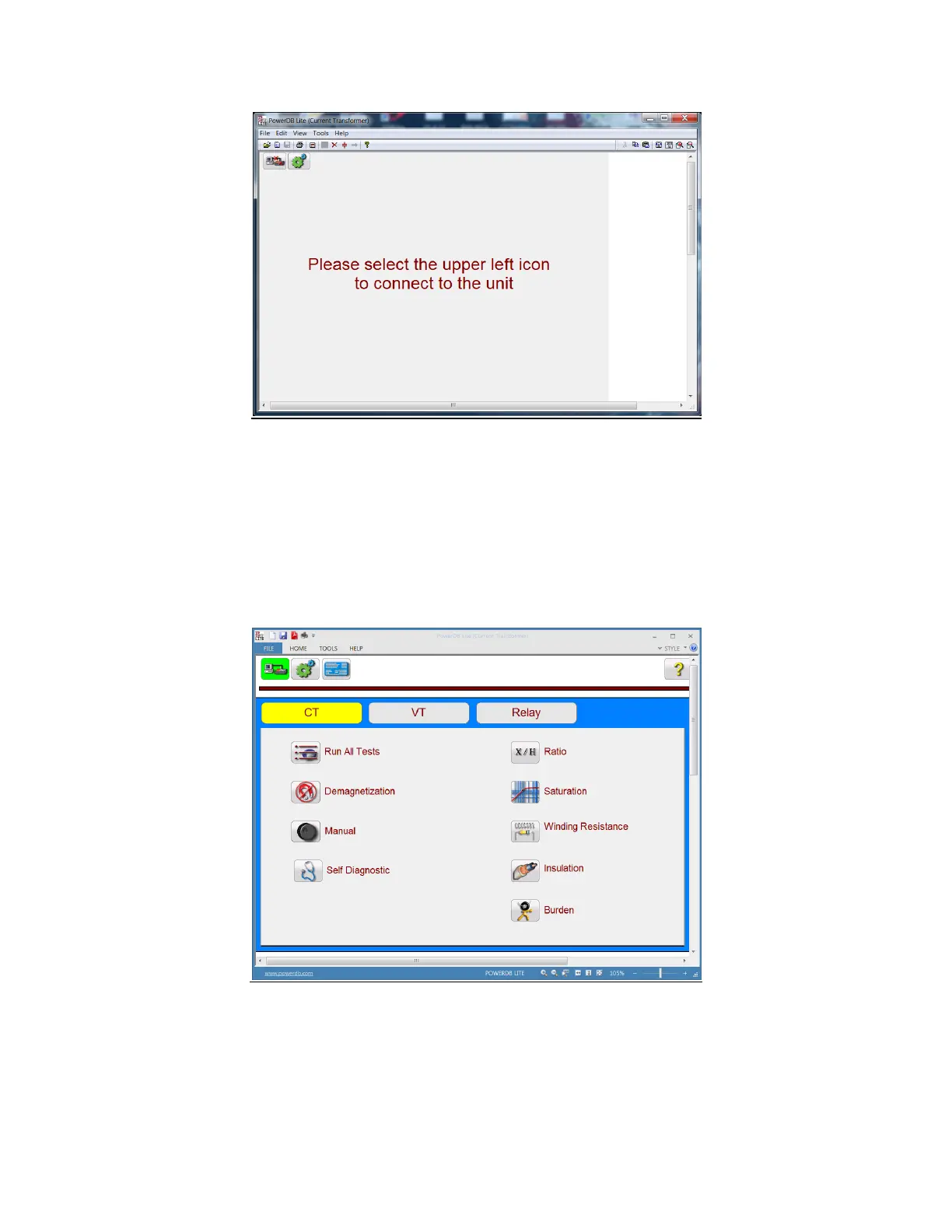
Figure 5 Instrument Connection Screen
The user should select the connection icon in the top left conner to connect to the MVCT. The user will
then be brought to the “Home Screen”. If the MVCT has an integrated display, after powering up the
MVCT, the user will be brought to the “Homes Screen” automatically.
Figure 6 Boot Up Home Screen
5.2 Personal Computer Interface



 To Next Page