54
Then after selecting both the desired test voltage and the desired test, the insulation testing is begun by
selecting the blue play button.
5.4.1.13 Burden
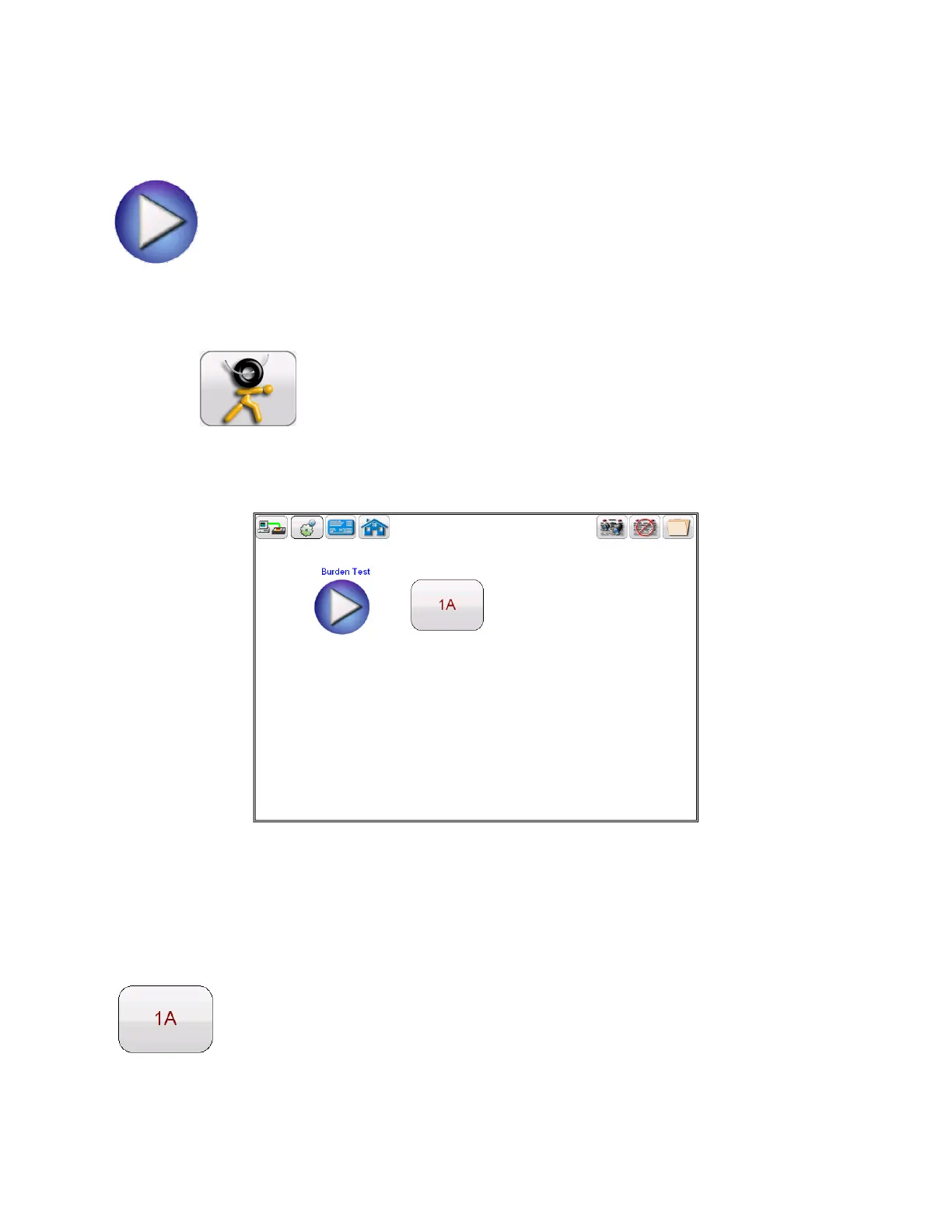
Selection of Burden Test button from the test configuration screen will bring the user to
the following Burden Test screen
Figure 27 Burden Test Screen
Within the Burden test screen, the user may select the appropriate test current of either
1 Amp or 5 Amp based upon secondary current rating of the CT under test



 To Next Page