27
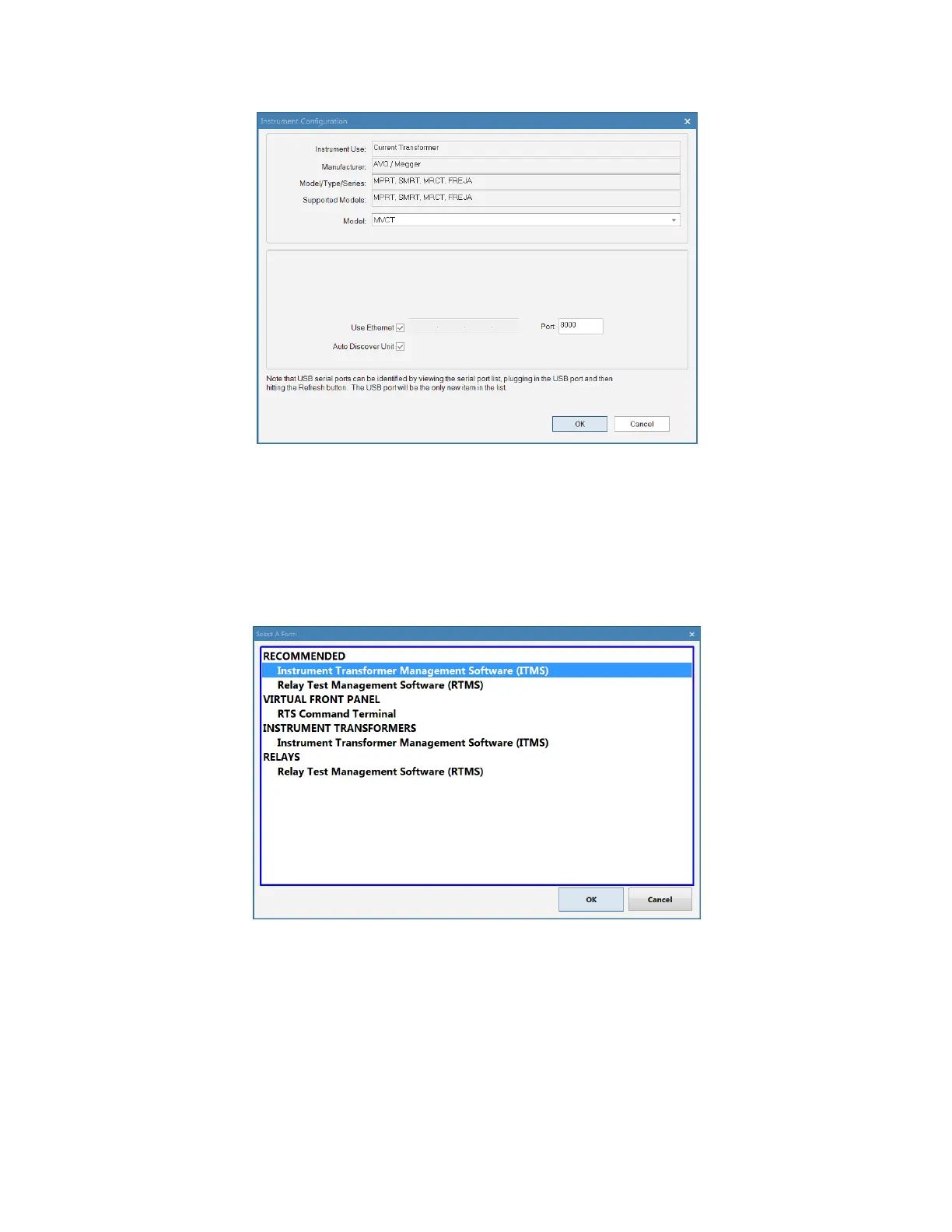
Figure 8 Instrument Configuration Dialog
If using the factory default settings, by clicking OK on the Instrument Configuration dialog will bring the
user to the form selection dialog seen below.
Figure 9 Form Selection Dialog
Here the user may select the appropriate form for the type of testing to be performed. For testing
Instrument Transformers, the MVCT Form should be selected and then click OK on the dialog. This will
bring the user to the instrument log on screen.



 To Next Page