28
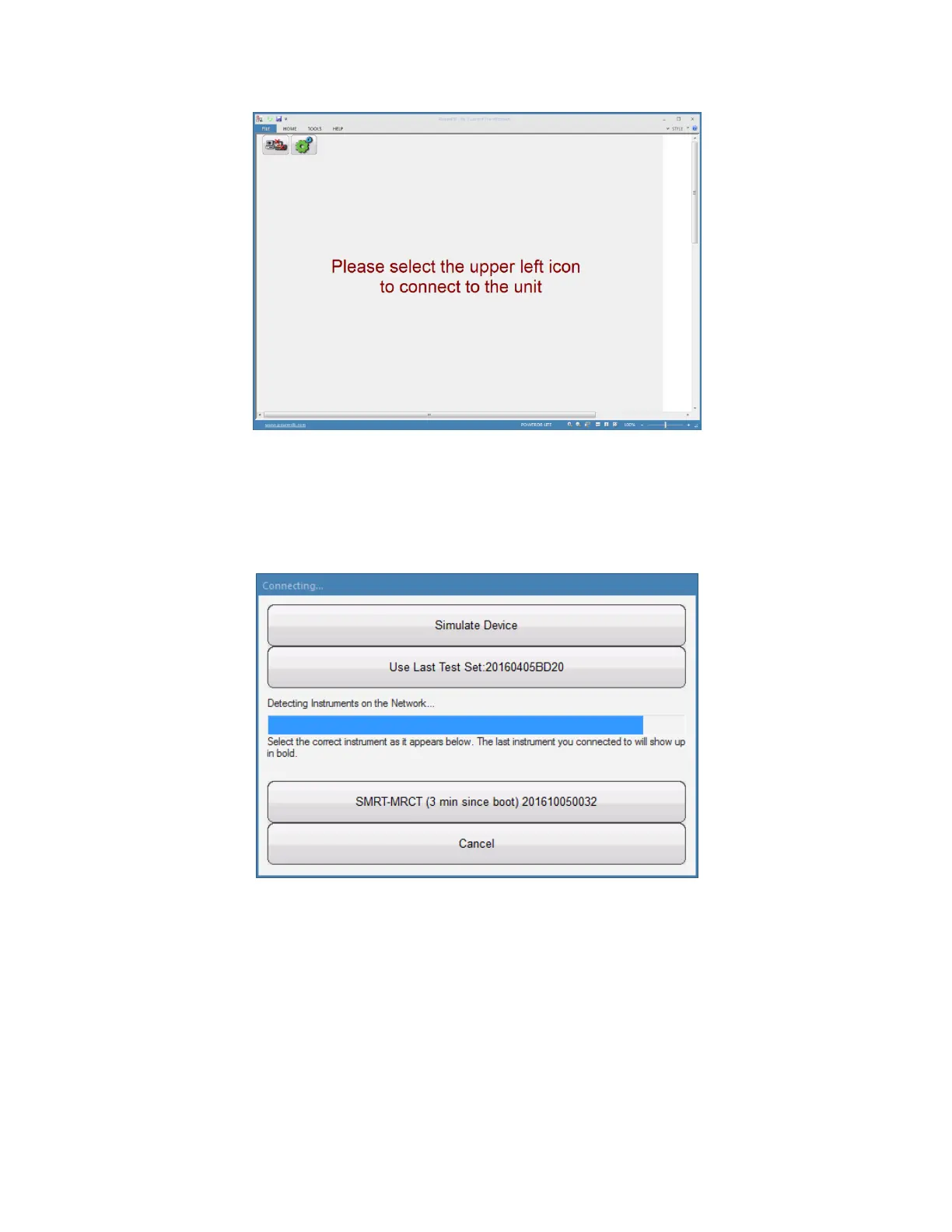
Figure 10 Instrument Logon Screen
Selecting the connection icon in the upper left corner of the window will launch the connection dialog
shown below
Figure 11 Connection Dialog
Once the PC has begun communicating with the MVCT, the device will appear in the dialog while
showing the units serial number and the time since the unit was turned on. To complete the logon
process select the unit. Once the logon process is complete, the user will be brought back to the Home
Screen in the PowerDB Lite software.



 To Next Page