16
Figure 1 Ethernet Ports
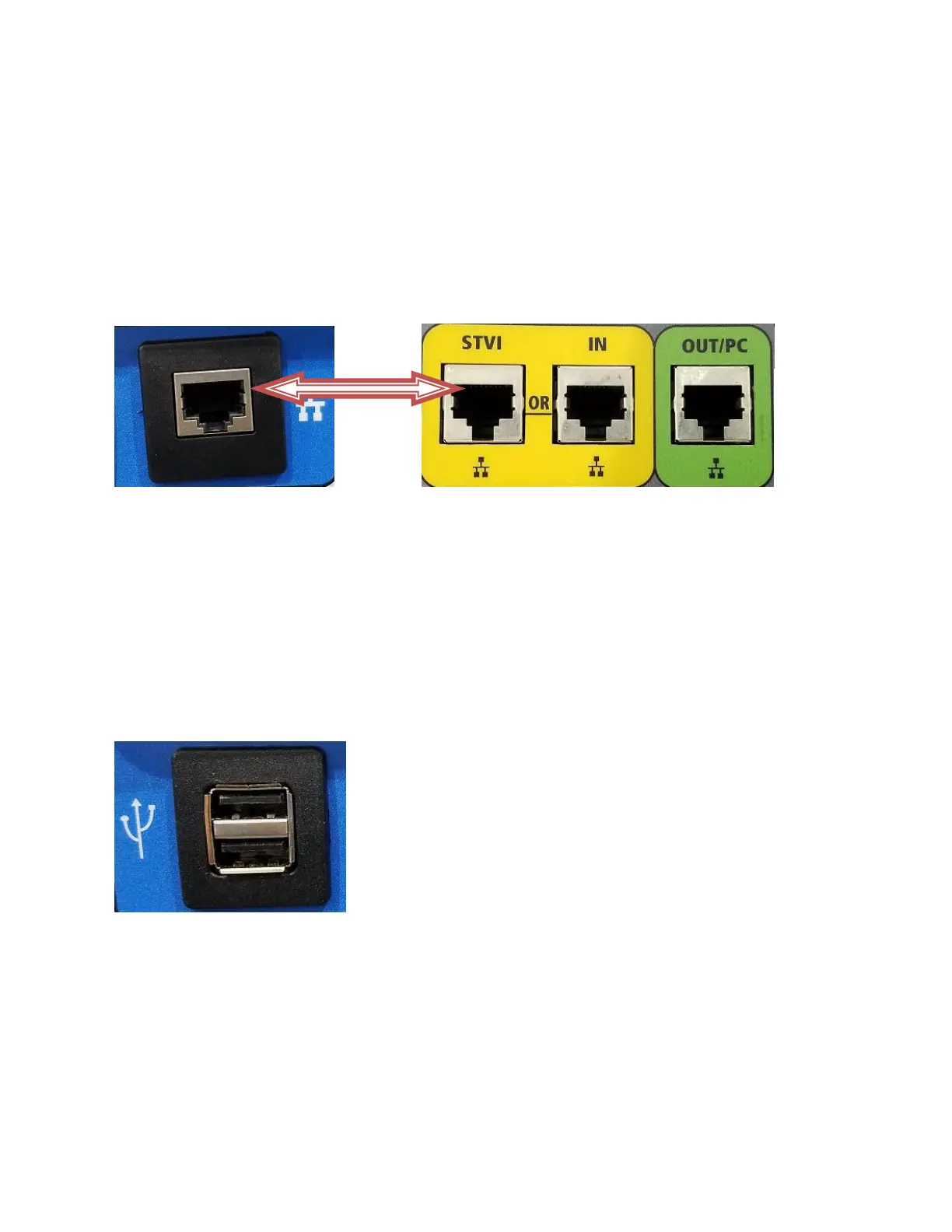
2.3.2 Ethernet Ports on Display
There is one Ethernet port on the display module integrated into the MVCT’s lid. This port is used to
connect the display to MVCT unit and as noted earlier this connection supplies operating voltage to the
display module. The display should be connected using the supplied cable to the STVI port located on
the MVCT unit itself.
Figure 2 Ethernet Port to Power Display
2.3.3 USB 2.0 Interface on Display
There is one USB 2.0 Interface port on the MVCT display unit mounted in the lid. This port is used for
upgrading firmware to the MVCT unit, or upgrading the PowerDB software using a USB Memory Stick. It
may also be used in conjunction with a USB mouse for ease of manual control, even a USB wireless
mouse maybe used with the display.
Figure 3 USB Port
2.4 Supply Voltage
Unit operates on a single phase AC power source .The input operating voltage should be between the
following limits.
95-265 V 50-60 Hz 15A max.



 To Next Page