47
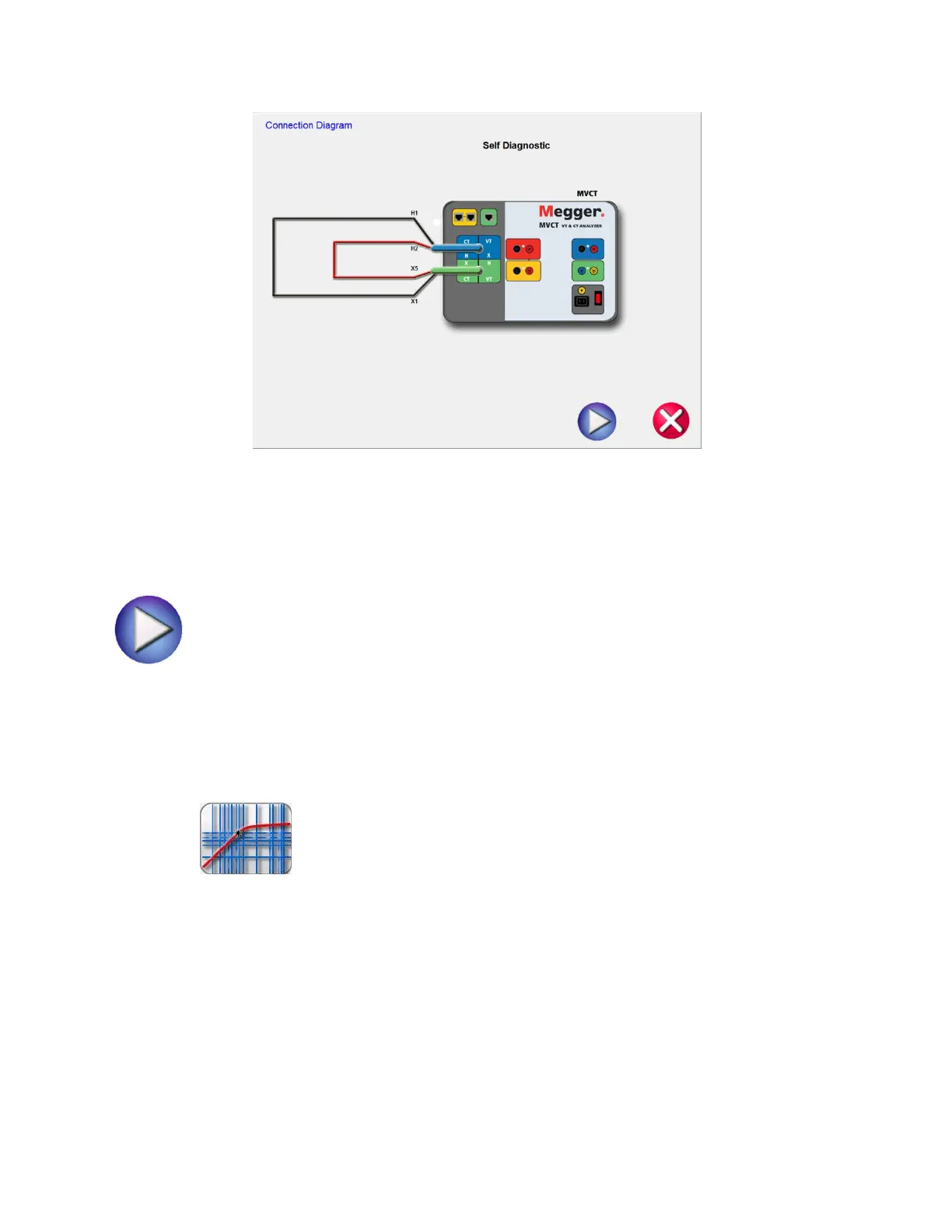
Figure 22 Self Test Connection Diagram
After the user has ensured the MVCT is connected properly as in the diagram, the self test is begun by
selecting the blue play button
While the user can completely test a current transformer from the Run All Tests screen, individual tests
amy be accessed from the correlating buttons in the drop down list.
5.4.1.9 Saturation
Selection of Saturation Test button from the test configuration screen will bring the user
to the following Saturation Test screen



 To Next Page