41
Then selecting the ON button on the touch screen the MVCT will first display a connection
diagram. Once the user verifies the connection, by selecting the blue play button the MVCT will output
the specified current level
Ratio Testing; To manually test the ratio of a CT the user is required to first select which individual tap
is desired
Hitting the select tap button will activate the tap selection dialog
After selection of the desired individual tap selection, the user may adjust the voltage increment
selecting the Ramp adjustment button
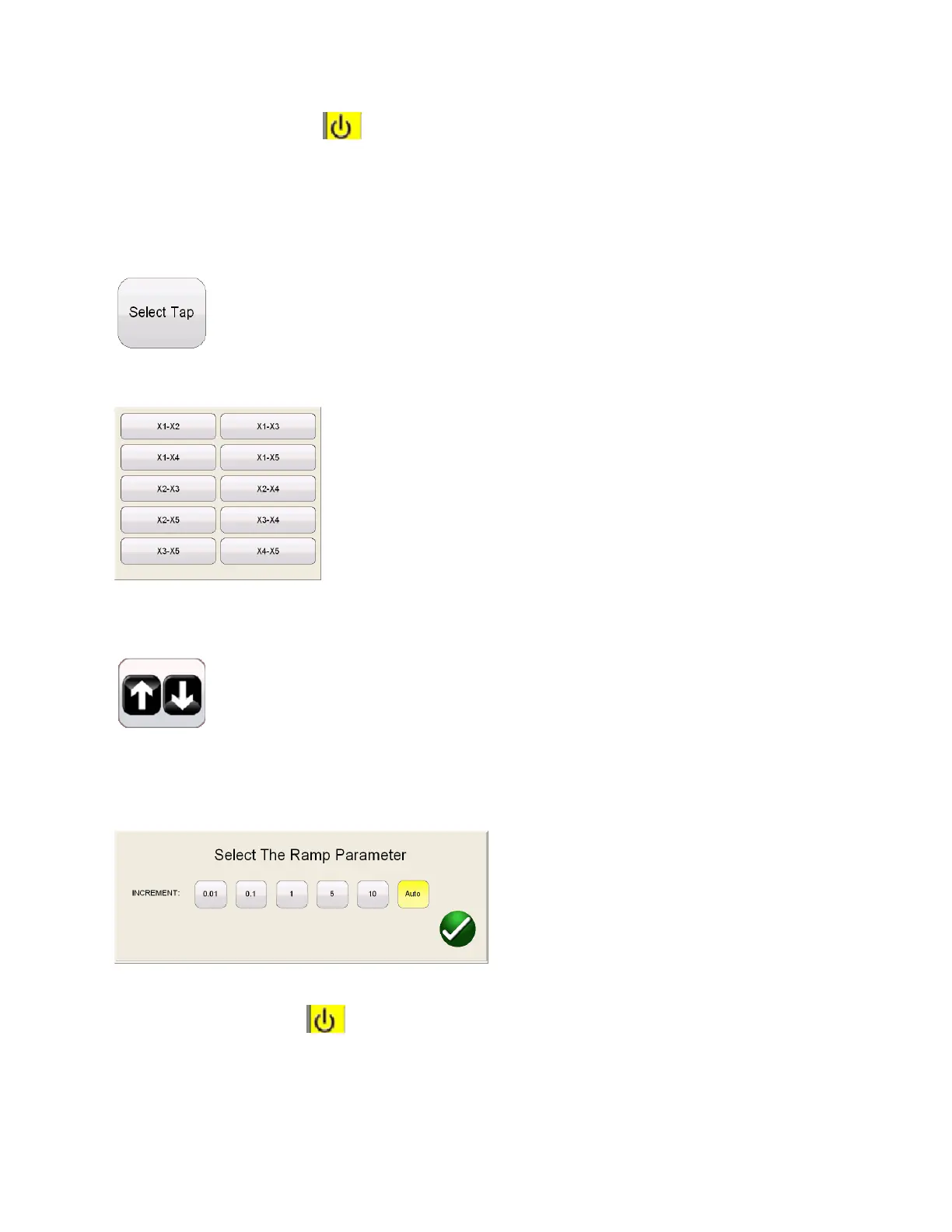
This will activate the ramp parameter dialog allowing the user may select the amount of increment the
voltgae is either decreased or increased by turning the knob on the STVI or the up/down arrow keys on a
laptop
After the desired tap selection is made and any adjustments made to the ramp parameter, the user
must select the ON button. to begin the test. At this time a connection diagram will be dispalyed.
Once the user has verified proper connections, the test is continued by selecting the blue play button on
the connection diagram.



 To Next Page