78
This will allow the user three options of deleting data
Clear test data on screen will only clear the data of the test screen currently active
Clear all test data for active VT will the test data for the active VT but not delete the nameplate
information that has been entered
Clear all data for active VT will delete all test data and nameplate information
5.4.2.14 Report Configuration
The MVCT will provide a concise one page report that will include all testing results. With the Basic VT
Testing Option the report will include the data from the following tests: ratio; phase deviation; polarity;
winding resistance. If the MVCT has the Advanced VT Option, in addition to the data from the previous
tests, the report will also include testing data from the excitation/saturation test, and the short circuit
impedance test. With the data from all the tests, The MVCT report can also be configured to provide
additional data including the ratio and phase errors at various percentages of primary voltage and at
different levels of burden. The option to include the ratio and phase error tables is a setting controlled
in the device setting section.
5.4.2.15 File Operations
Files operations will vary depending upon whether the user is controlling the MVCT with a PowerDB
installed on PC or the MVCT’s integrated display. For units being controlled with the MVCT’s integrated
display, once a CT has been tested and a test file exists, the File Manager button will be available.
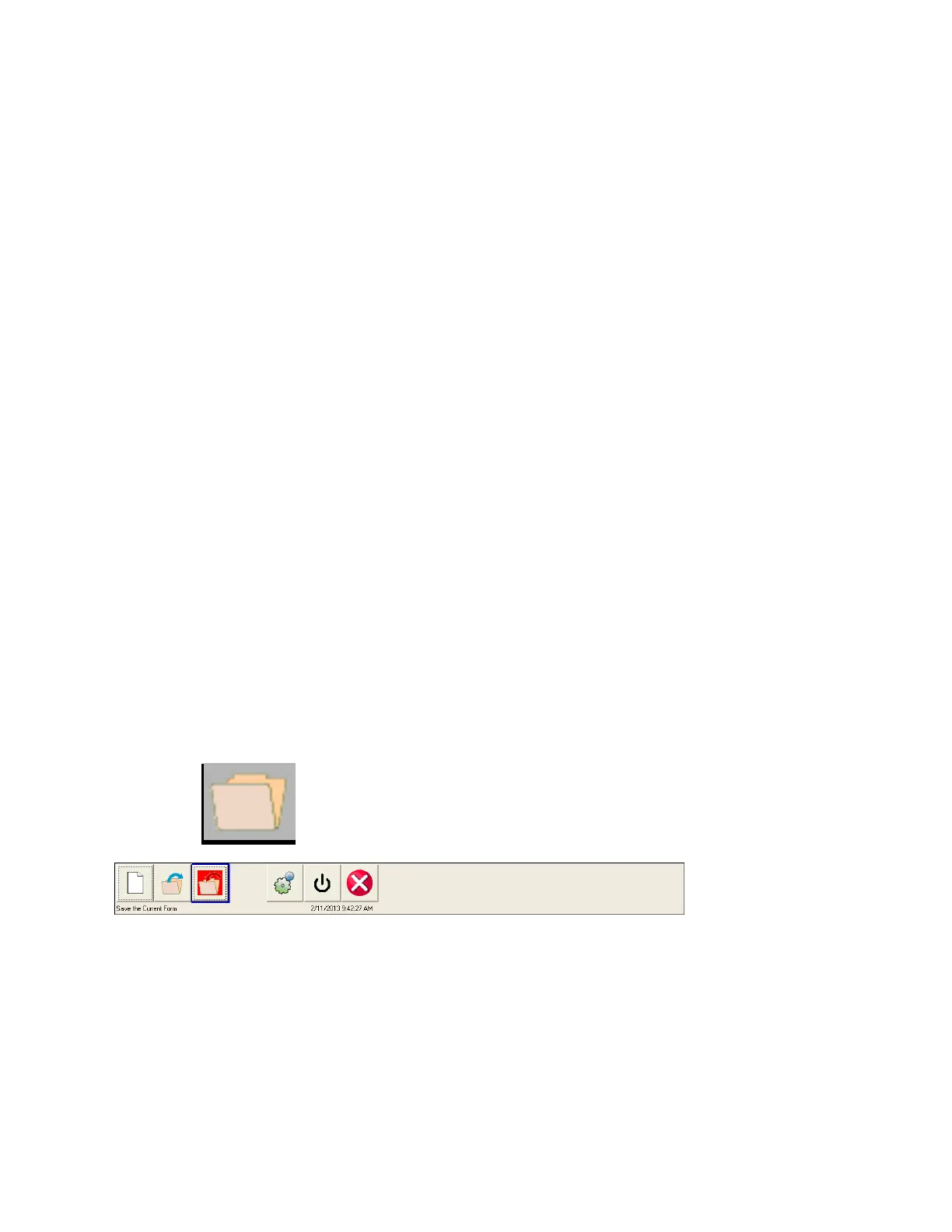
Selection of File Manager button, brings the user to the following tool bar
Figure 49 Testing - File Operation Tool Bar
The toolbar is used to Open File; Close File; or Cancel. Selecting either Open File or Close File will open
the File Manager Dialog (see below)



 To Next Page