95
8. After the boot up, select the “Nameplate Information” menu by selecting
Name Plate navigation button.
9. Fill in nameplate information about the CT. At a minimum, the number of taps and secondary
current must be selected
.
10 From the Home Screen select the “Ratio Test” button
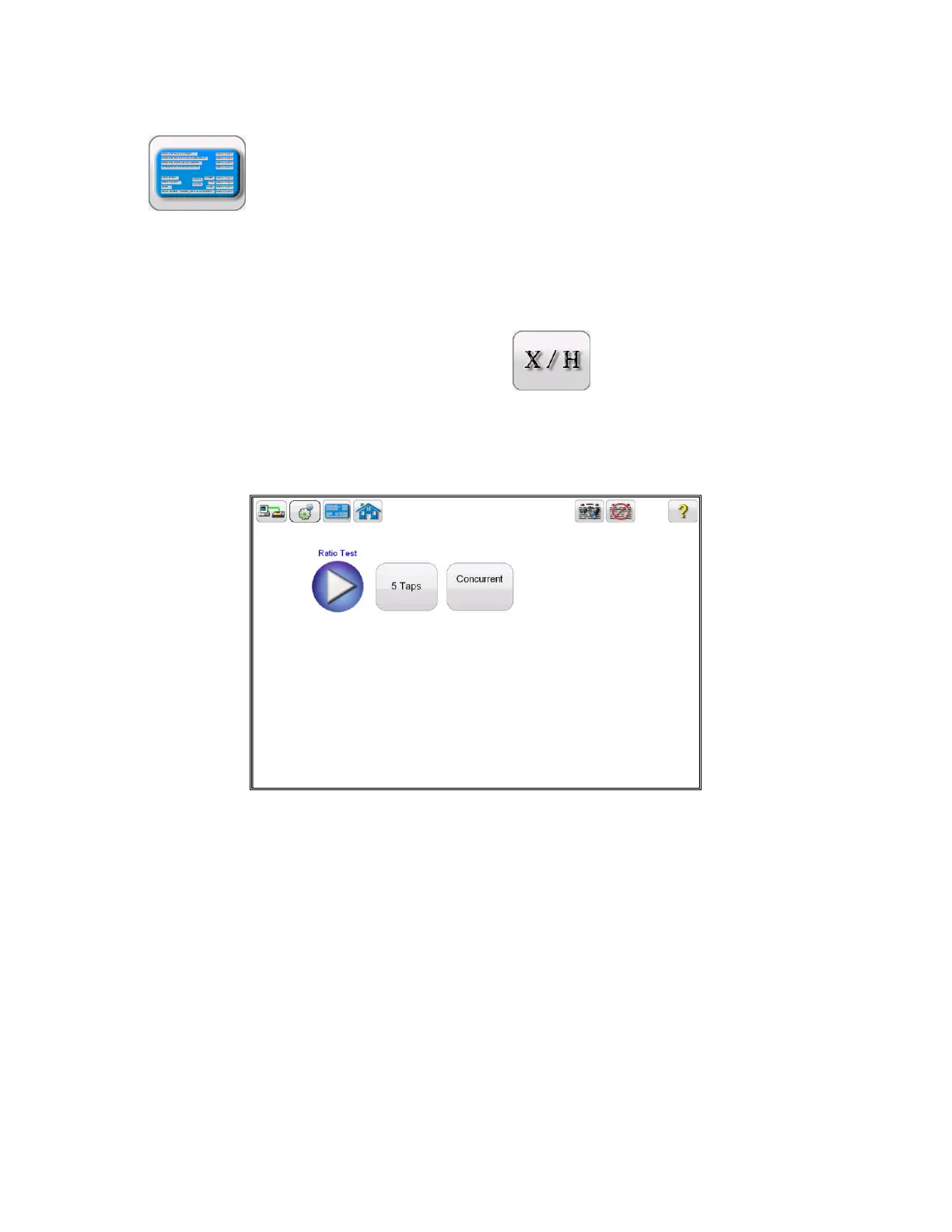
11 In the Ratio test screen, selecting the Concurrent Mode of operation will allow the user to test
multiple taps in parallel.
Figure 66 CT Ratio Test Screen – Concurrent
12 Select the play button and a connection diagram will appear showing the proper connections for the
MVCT to the CT



 To Next Page