1-2 MINI Hawk High Performance Imager User’s Manual
Check Required Hardware
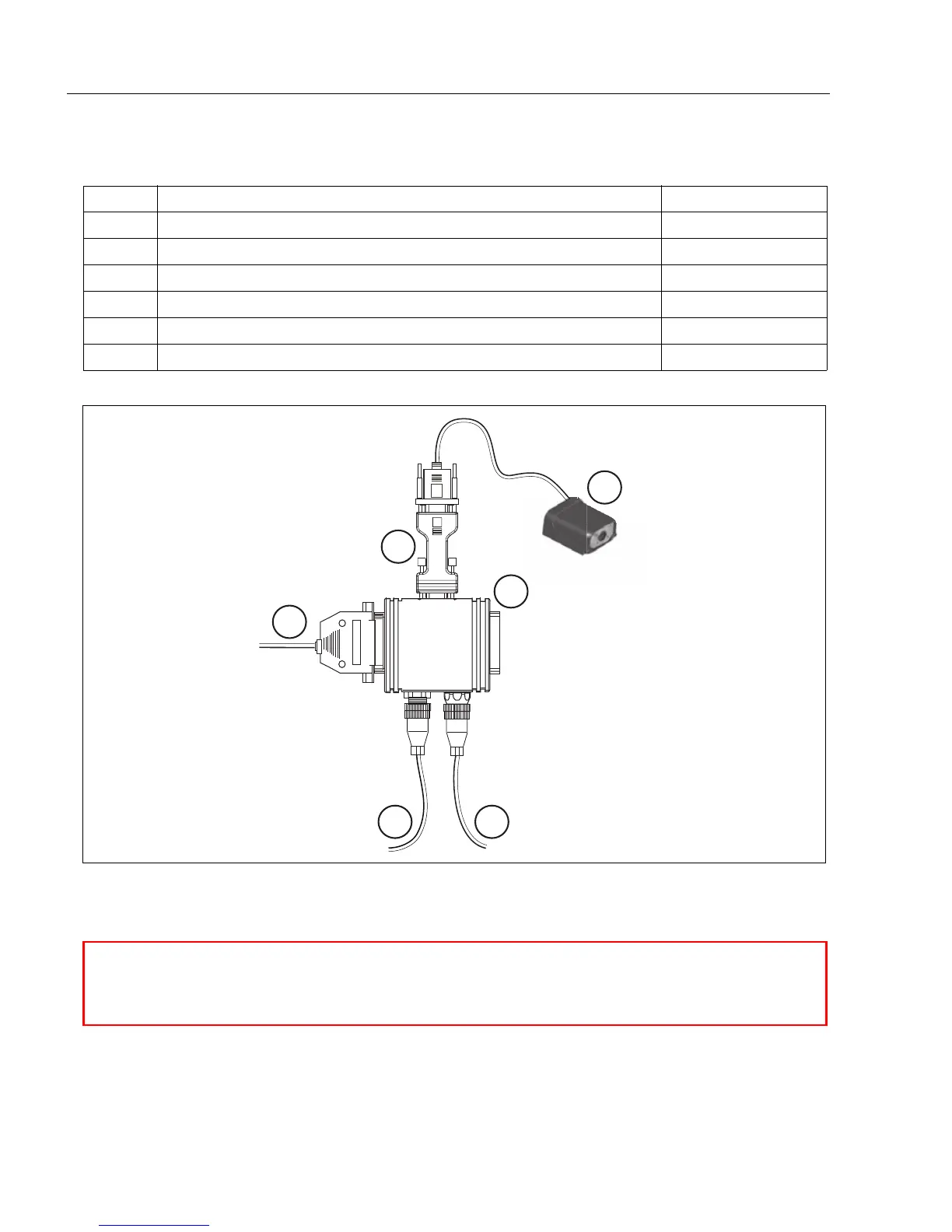
Step 1 — Check Required Hardware
Item Description Part Number
1 MINI Hawk FIS-6300-X00XG
2 IC-332 Adapter FIS-0001-0035G
3 IB-131 Interface Box 99-000018-01
4 Power Supply (90-264 VAC, 24VDC, USA/Euro plug) 97-100004-15
5 Object Detector 99-000017-01
6 Communication Cable 61-300026-03
Scanner
Network
Host
1
2
3
6
4 5
Hardware Required
Caution: Be sure that all cables are connected BEFORE applying power to the
system. Always power down BEFORE disconnecting any cables.



 To Next Page