13-4 MINI Hawk High Performance Imager User’s Manual
Read Rate
Read Rate
Read Rate by ESP
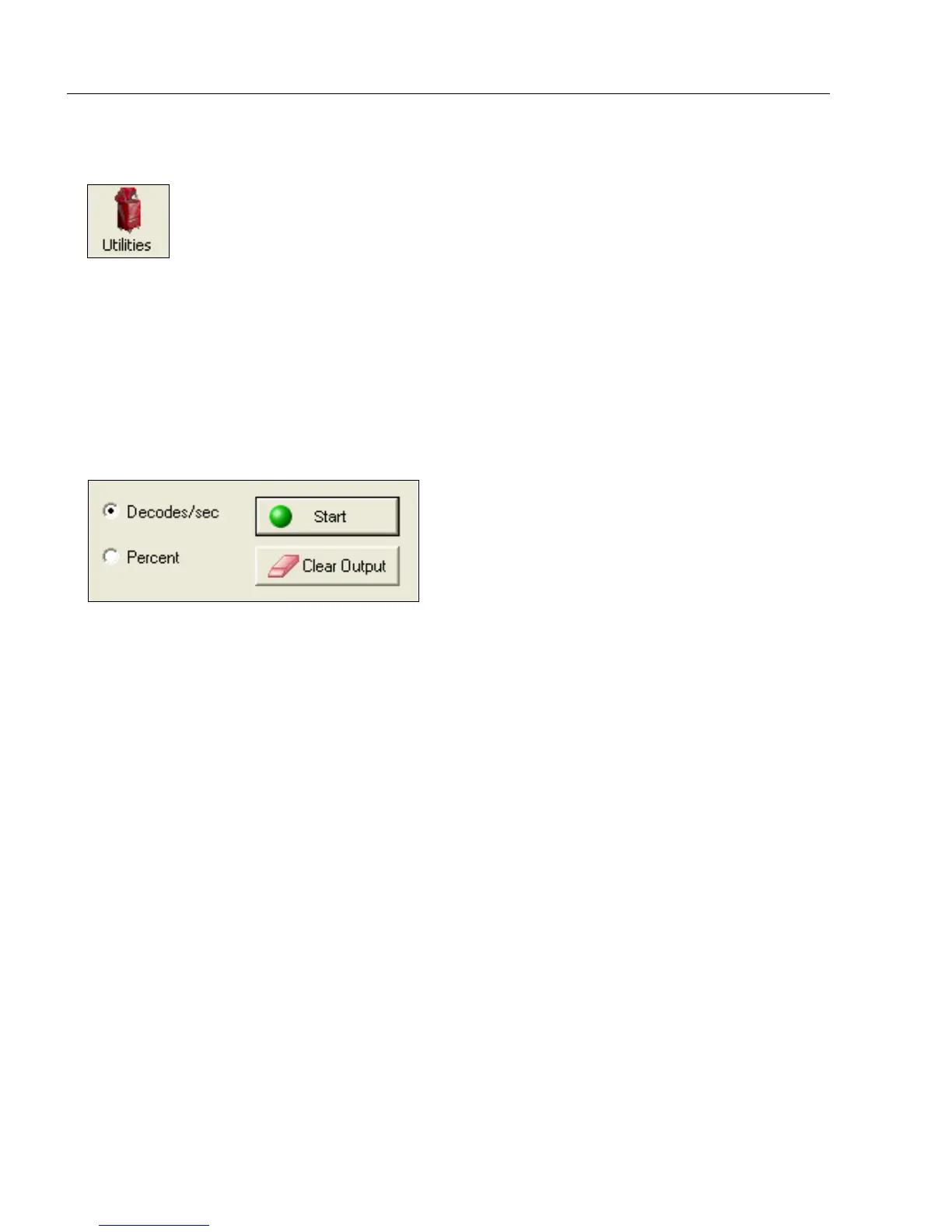
To see the number of decodes per second, click the Decodes/sec radio button on the
Read Rate tab in the Utilities view and click the Start button.
To see the percentage of decodes, click the
Percent
radio button and then the
Start
button.
To end a Read Rate test, click the Stop button (the Start button becomes a “Stop” button
during an active Read Rate test.)
Important: When Read Rate is enabled, the Configuration Database is not active,
regardless of how the imager is configured.
Read Rate by Serial Command
Enter Decodes/Second Test
Sending <C> instructs the imager to transmit the decodes per second and symbol data
(if any). The decode rate can vary dramatically due to the angle and location of the symbol
in relation to the field of view. This test is very useful in aligning and positioning the imager
during setup.
Enter Percent Test
Sending <Cp> instructs the imager to transmit the percentage of decodes and any
decoded symbol data.
End Read Rate Test
Sending <J> ends both the Percent test and the Decodes/Second test.
Click this button to bring up the Utilities view.



 To Next Page